
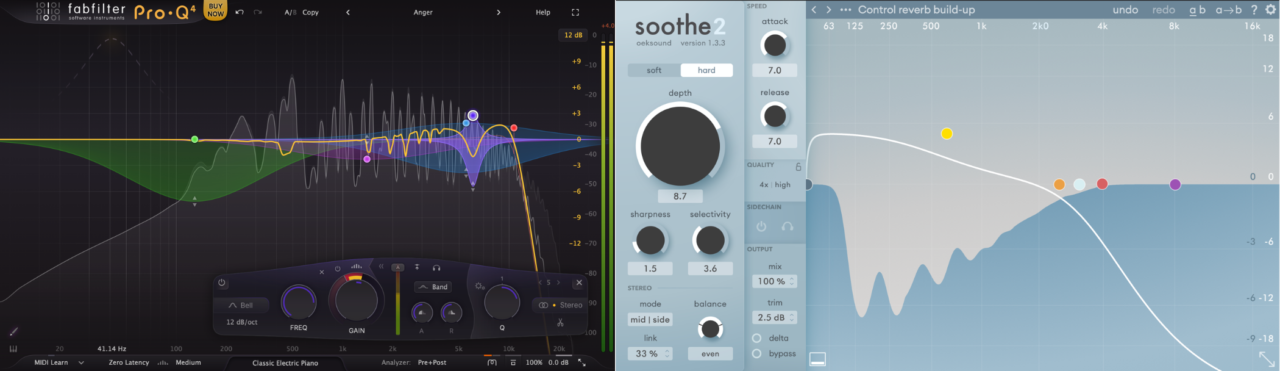
Dealing with harshness, resonance, and problematic frequencies is something I run into on almost every mix. Whether it’s a vocal with sharp sibilance, a harsh synth, or a muddy low-end buildup, the goal is always the same: clean things up without killing the character of the sound.
This is exactly where FabFilter Pro-Q 4 and Oeksound Soothe2 come in. On paper, they might seem like they overlap, especially now that Pro-Q 4 includes spectral dynamic processing. But in practice, they feel very different. Pro-Q 4 is a highly precise, do-it-all EQ, while Soothe2 is a specialized tool designed to automatically suppress resonances in real time.
What I’ve noticed using both is that they don’t really compete in a traditional sense. Pro-Q 4 gives me control, letting me shape exactly what I want, where I want it. Soothe2 feels more like an intelligent assistant, quickly smoothing out harshness without needing much input.
In this comparison, I’ll break down how they differ in terms of features, sound, workflow, and real-world use, and when I personally reach for one over the other. Let’s go!
| Feature | FabFilter Pro-Q 4 | Oeksound Soothe2 |
| Core Concept | Full parametric EQ with dynamic & spectral processing | Dedicated dynamic resonance suppressor |
| Processing Style | Manual + semi-dynamic (user-controlled bands) | Fully automatic resonance detection and reduction |
| Spectral Processing | Per-band spectral mode (targeted within selected ranges) | Full-spectrum intelligent processing (always active across signal) |
| Dynamic Control | Dynamic EQ on every band with threshold, attack, release | Global + per-band style control with Depth, Sharpness, Selectivity |
| Precision vs Automation | Extremely precise and surgical | Highly intelligent and automatic |
| Number of Bands | Up to 24 EQ bands (each dynamic or spectral) | Not band-limited in the same way (continuous processing with EQ-style focus areas) |
| Workflow | Hands-on shaping, you choose where and how to process | Set-and-adjust workflow, it finds and reduces problems itself |
| Sidechain | Per-band sidechain + filtering | External sidechain for resonance ducking between sources |
| Mid/Side Processing | Full per-band M/S or L/R control | Global + per-band M/S weighting |
| Algorithm Options | Clean + Subtle / Warm character modes | Soft (transparent) / Hard (aggressive) modes |
| Interface & Workflow Tools | Instance List, EQ Sketch, scaling, spectrum grab | Minimal, focused UI with real-time resonance visualization |
Sound and Character
Even though both plugins deal with resonance and harshness, they actually sound quite different in practice. The biggest difference for me is how they approach the problem. Pro-Q 4 feels controlled and intentional, while Soothe2 feels smooth and almost invisible in how it works.
FabFilter Pro-Q 4
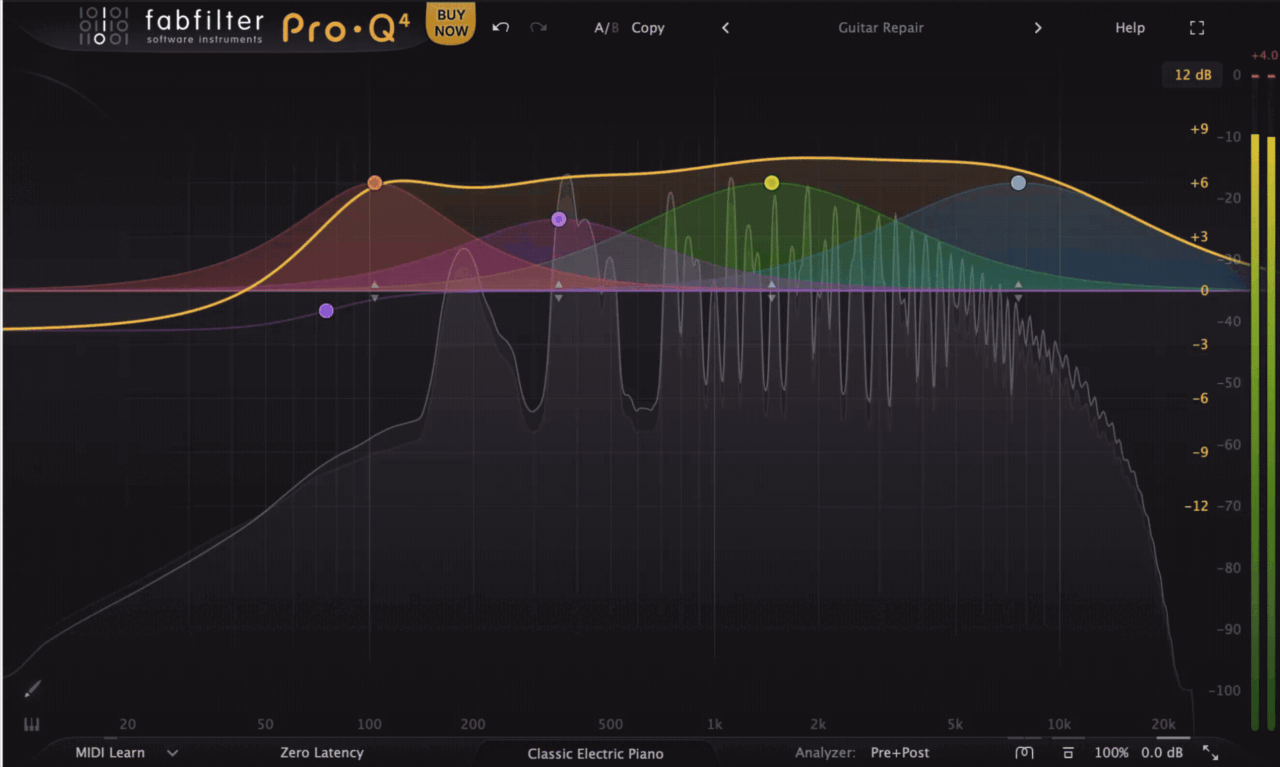
With Pro-Q 4, everything feels very precise and deliberate. When I’m using dynamic or spectral bands, I know exactly what frequency range I’m targeting and how much I’m affecting it. This makes it great when I want to fix a specific issue without touching anything else.
The new spectral processing is surprisingly powerful. It can tame harshness in a way that starts to feel similar to Soothe2, especially on vocals or bright instruments. But it still behaves like an EQ I’m defining the range first, then letting it react dynamically.
Sound-wise, it stays extremely clean and transparent, even when pushing it. If anything, it feels slightly more “controlled” than Soothe2, but also a bit less forgiving. You can get amazing results, but it depends more on how well you set it up.
Oeksound Soothe2
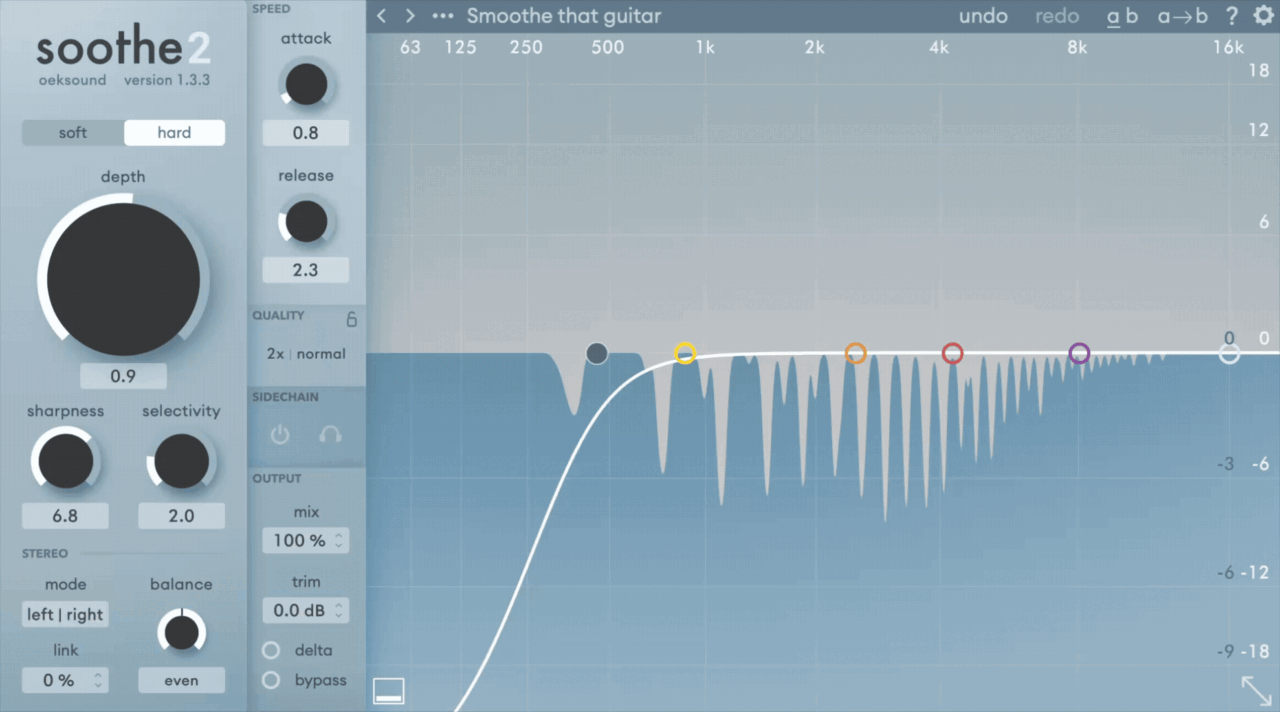
Soothe2 has a very different character. What stands out to me is how effortless and natural it sounds. I can drop it on a track, adjust a few controls, and it immediately starts smoothing things out in a way that feels almost invisible.
The Soft mode is especially impressive, as it’s very transparent and forgiving, and it rarely sounds overprocessed. It feels like the plugin understands what’s harsh and removes it without me needing to pinpoint exact frequencies.
When pushed harder, Soothe2 can get more aggressive, but even then it tends to avoid the kind of unnatural artifacts you sometimes get from heavy EQ moves. It’s particularly good on vocals, cymbals, and harsh synths, where it just takes the edge off without dulling the sound too much.
So, in short:
- Pro-Q 4: Clean, controlled, precise; great for targeted fixes
- Soothe2: Smooth, automatic, natural; great for broad resonance control
In my experience, Pro-Q 4 gives better results when I know exactly what I want to fix, while Soothe2 often sounds better when I just want the harshness gone without overthinking it.
Features and Interface
Key Feature: EQ vs Resonance Suppression
This is the core difference. Pro-Q 4 is an EQ first, meaning I decide exactly where to cut, boost, or control frequencies. Even with dynamic and spectral modes, it still follows my input.
Soothe2 is built entirely around resonance suppression. I’m not really targeting frequencies manually , I’m letting it detect and reduce problematic peaks automatically. This makes it much faster, but also less surgical.
Key Feature: Spectral Processing
Pro-Q 4’s spectral mode is one of its biggest upgrades. It allows each band to react to resonances within a defined range, which gets surprisingly close to Soothe-style processing , but only where I place it.
Soothe2 works differently. It’s always analyzing the entire signal, reacting dynamically across the spectrum. I don’t need to define problem areas first, it just finds them. This makes it more “hands-off,” especially for quick fixes.
Key Feature: Dynamic Control
With Pro-Q 4, every band can become dynamic, and I can control threshold, attack, and release. This gives me a lot of flexibility, especially when I want subtle, controlled movement.
Soothe2 also includes attack and release controls, but the workflow is more simplified. Instead of building multiple dynamic bands, I’m shaping how the plugin reacts overall using parameters like Depth and Sharpness.
Key Feature: Sidechain and Mid/Side Processing
Both plugins are strong here, but again, the approach differs.
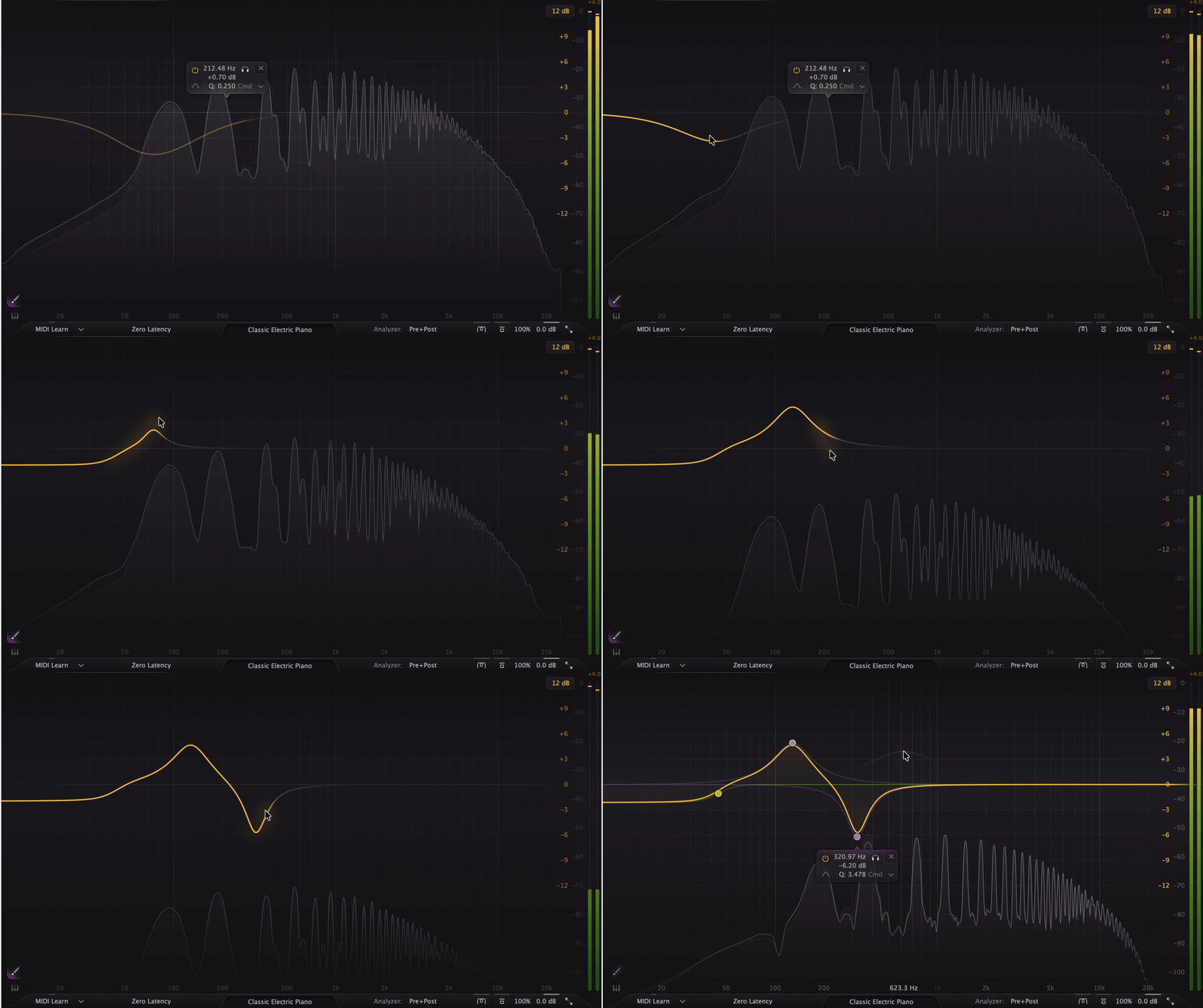
Pro-Q 4 offers per-band sidechain and full Mid/Side control, which is incredibly useful for detailed mixing tasks. I can target very specific areas and make precise adjustments between elements.
Soothe2 includes sidechain input and Mid/Side processing, but it’s more about automatic masking control. For example, I can feed a vocal into Soothe2 on a music bus and let it dynamically carve space without manually setting EQ bands.
Key Feature: Workflow and Visual Feedback
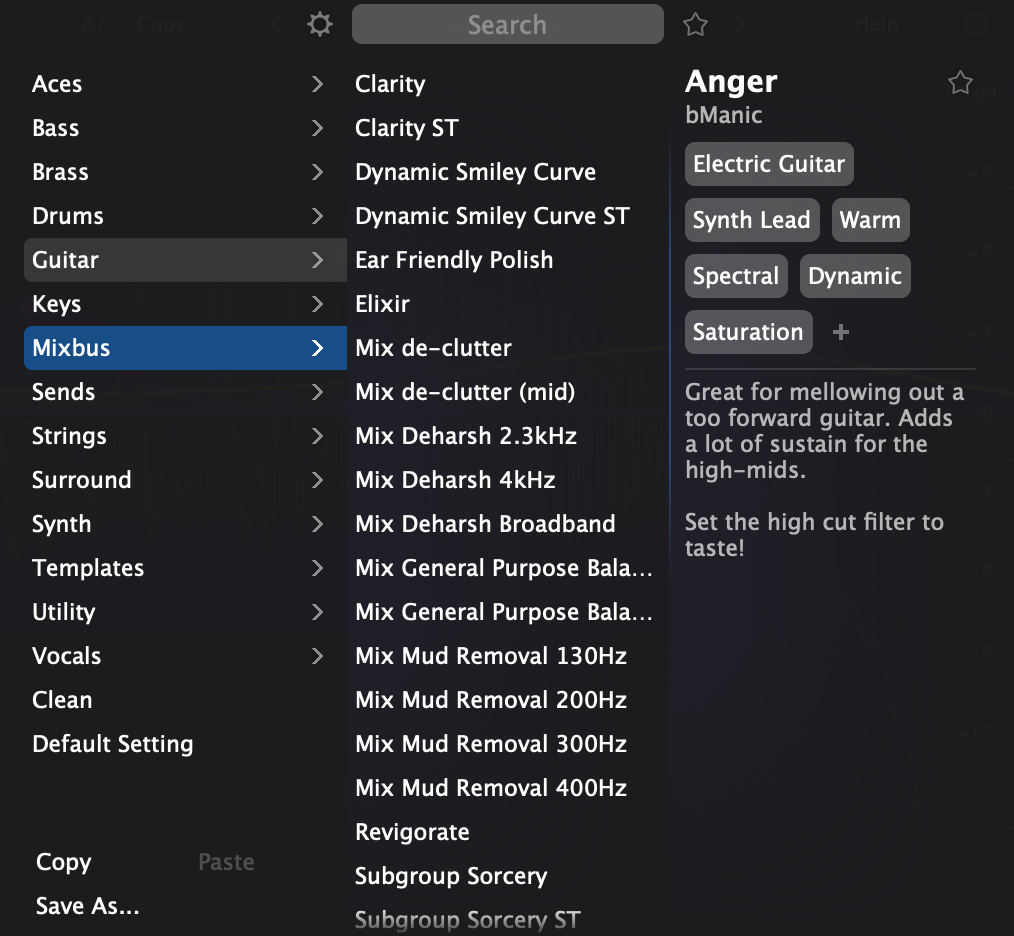
This is where Pro-Q 4 really stands out. Features like the Instance List and EQ Sketch make it incredibly efficient to work across multiple tracks. I can visually compare and adjust EQs without constantly opening and closing windows.
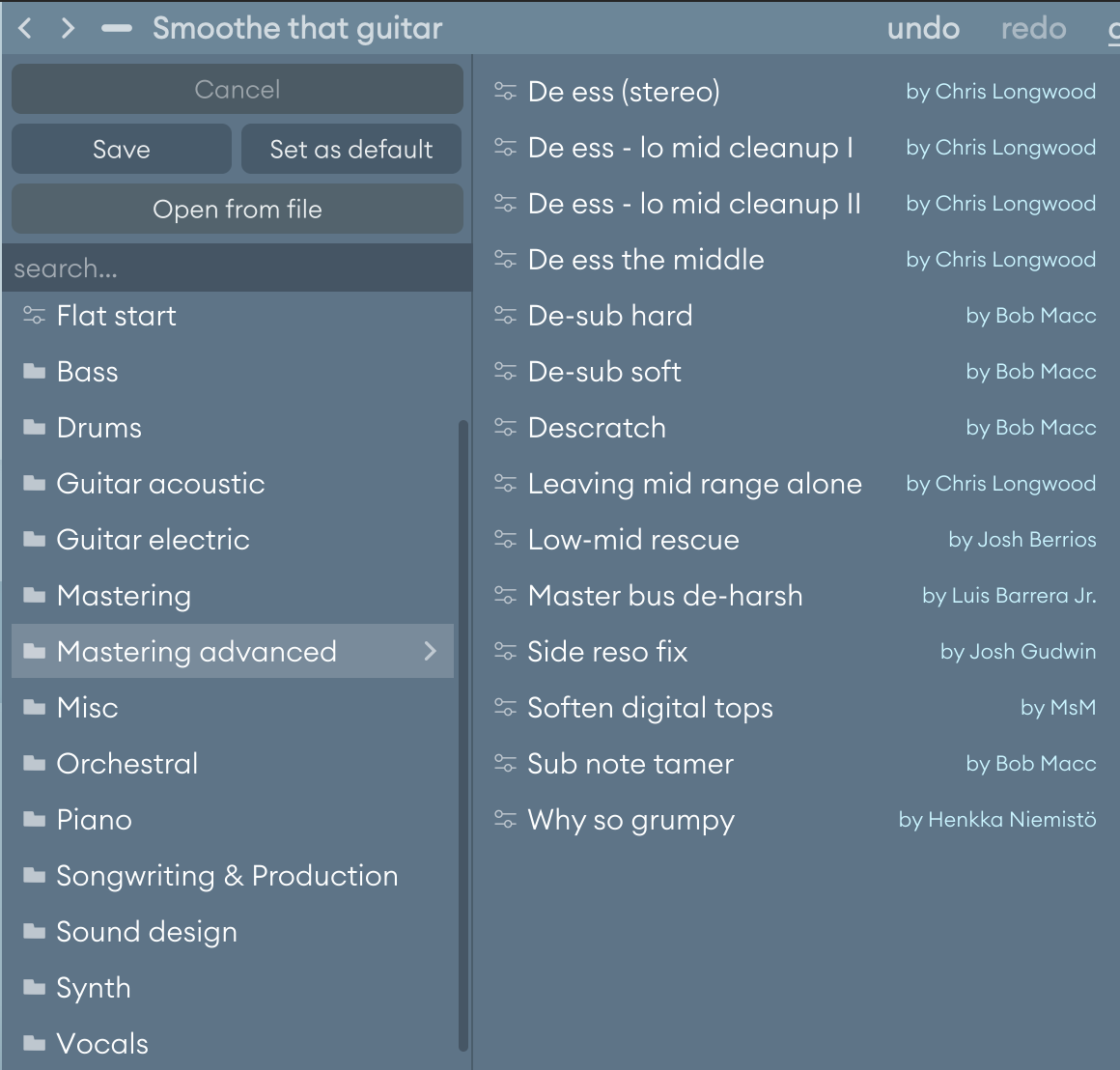
Soothe2 is much simpler visually. It has an EQ-style display, but it’s more about showing what the plugin is doing rather than letting me design it in detail. It’s clean and focused, but not as feature-heavy.
Performance
Both plugins are well-optimized, but they behave differently depending on how you use them. Pro-Q 4 is generally very efficient for what it does, while Soothe2 can become heavier, especially when used across multiple tracks. I often use them in Logic and FL Studio, and get good performance in most of my projects.
Compatibility & CPU Use
| Feature | FabFilter Pro-Q 4 | Oeksound Soothe2 |
| Plugin Formats | VST3, AU, AAX, CLAP | VST3, AU, AAX |
| Operating Systems | macOS, Windows | macOS, Windows |
| CPU Load (General) | Low to Moderate (very efficient for most tasks) | Moderate to High (depends on processing intensity) |
| Heavy Usage | Scales well even with multiple bands and instances | Can add up quickly across multiple tracks |
| Latency | Low (varies by mode; higher with advanced processing) | Higher latency (~45ms), reduced from previous version |
| Offline / Quality Modes | High-quality processing modes available | Eco mode + higher-quality offline rendering options |
| Workflow Impact | Easy to use on many tracks simultaneously | Better used selectively or committed when needed |
In practice, I can comfortably run Pro-Q 4 on almost every track without thinking about CPU. With Soothe2, I’m a bit more selective; it’s incredibly powerful, but stacking too many instances can start to impact performance.
In Practice
Use Case 1: Vocals (Harshness, Sibilance, Resonance)
On vocals, I use both, but for different reasons. If I hear specific harsh frequencies, I’ll reach for Pro-Q 4 and dial them in manually using dynamic or spectral bands. It’s great when I want to keep control and only touch certain areas.
But if the vocal just feels generally harsh or uneven, Soothe2 is usually faster. I can drop it in, tweak Depth, and it immediately smooths everything out in a very natural way. Especially for sibilance and upper-mid harshness, it just works.
Use Case 2: Drums and Cymbals
This is where Soothe2 really shines. Cymbals, hi-hats, and even snare overtones can get harsh very quickly, and Soothe2 smooths them out without killing the energy.
With Pro-Q 4, I can achieve similar results, but it takes more setup, placing multiple dynamic or spectral bands and adjusting them carefully. It’s more precise, but also slower.
Use Case 3: Guitars and Synths
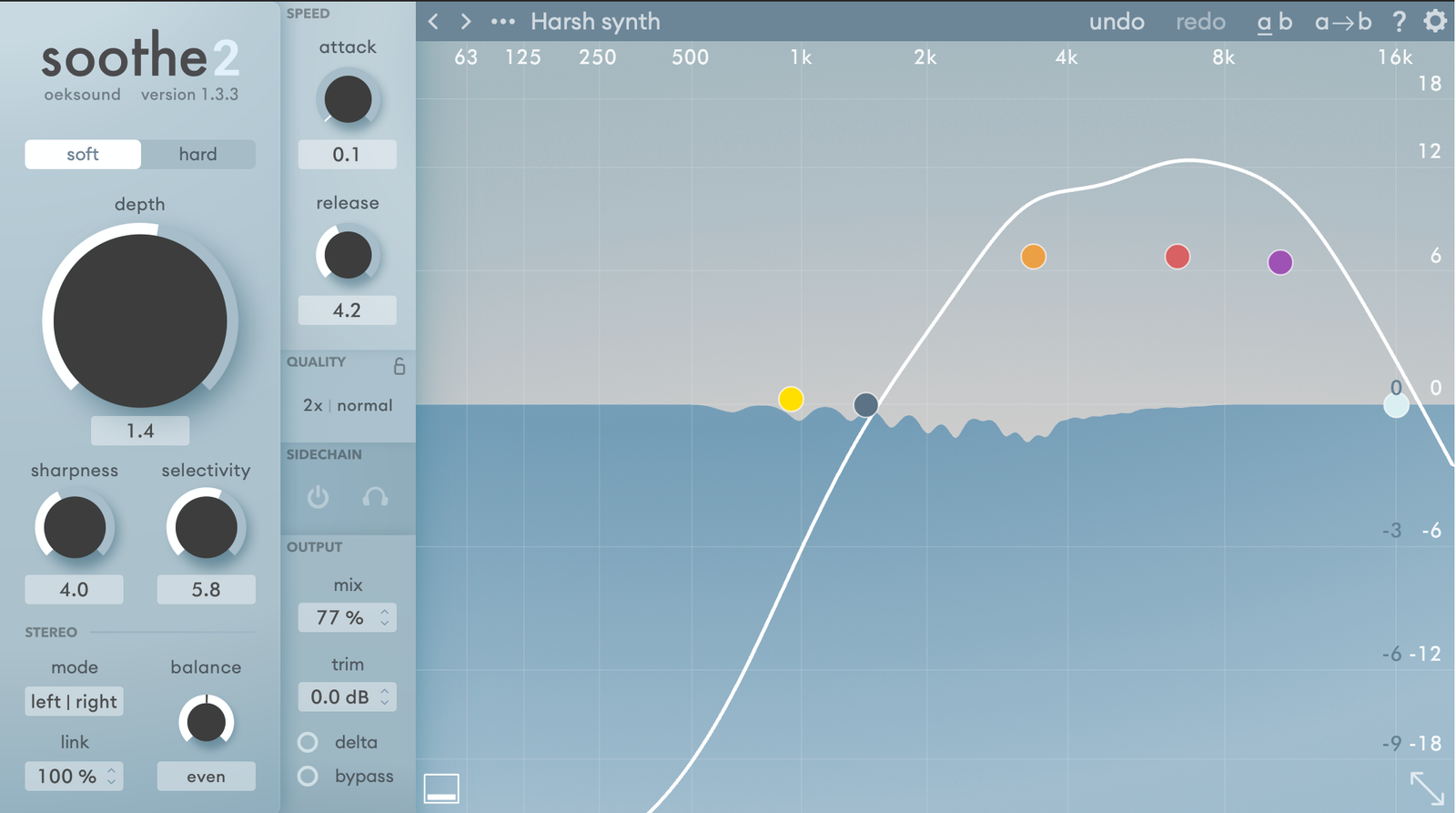
For guitars and synths, it depends on the situation. If I want to clean up specific resonances or shape the tone, Pro-Q 4 is my first choice. It gives me full control and lets me be very intentional.
If the sound just feels a bit too aggressive or harsh overall, I’ll use Soothe2 to gently smooth it out. It’s especially useful on distorted guitars or bright synths where harshness moves around dynamically.
Use Case 4: Mix Bus and Mastering
On the mix bus, I’m more careful. Pro-Q 4 is my main tool here, especially for subtle tonal shaping and dynamic EQ moves. It’s predictable and easy to control.
Soothe2 can work on the mix bus, but I use it very lightly. It’s great for taming overall harshness, but it’s easy to overdo it. When used carefully, though, it can make a mix feel smoother and more polished.
Use Case 5: Masking and Frequency Clashes
This is one of my favorite uses for Soothe2. Using the sidechain feature, I can feed a vocal into Soothe2 on another track (like keys or guitars), and it will automatically carve space in real time. It’s a very fast way to deal with masking.
With Pro-Q 4, I can achieve similar results using dynamic EQ and sidechain, but it requires more setup. It’s more precise, but definitely slower.
Conclusion
After using both extensively, I don’t really see FabFilter Pro-Q 4 and Oeksound Soothe2 as alternatives; they solve related problems, but in very different ways.
If I had to simplify it:
- Pro-Q 4 is my main tool for shaping and control
- Soothe2 is my shortcut for smoothing and fixing harshness quickly
Pro-Q 4 gives me full control over the mix. Whether it’s surgical cuts, dynamic EQ, or even light spectral processing, it’s the plugin I rely on across almost every track. It’s flexible enough to handle nearly everything EQ-related in a project.
Soothe2, on the other hand, feels more like a specialist. It does one thing, resonance suppression, but it does it incredibly well. When I hear harshness or buildup that would take multiple EQ moves to fix, Soothe2 often solves it in seconds.
If you’re choosing just one:
- Go for Pro-Q 4 if you want a complete, versatile EQ you’ll use everywhere
- Go for Soothe2 if your priority is fast, transparent resonance control
Personally, I use both in the same mix all the time. Pro-Q 4 handles the precision work, and Soothe2 takes care of the parts I don’t want to overthink.

Berk is a multi-instrumentalist musician from Istanbul, Turkey. He has been playing guitar, handpan, and percussion for over ten years, developing a sound that blends melodic sensitivity with rhythmic depth.
He began his musical journey as a teenager, learning guitar and performing in several bands. In 2016, he discovered the handpan, an instrument that immediately resonated with him on a deeper level and gradually became central to his artistic identity.
Since then, he has performed in streets, festivals, bars, and concert venues across different countries, connecting with diverse audiences through both intimate and large-scale performances.
Alongside his live work, Berk is deeply involved in studio production. He works from his home studio, where he composes, records, and produces his own music. His studio serves as a creative space for layering handpan, guitar, and percussion with modern production techniques, allowing him to shape fully realized, atmospheric compositions from start to finish.
His music explores a wide range of genres and textures, combining organic acoustic instruments with detailed studio production to create immersive and expressive soundscapes.