
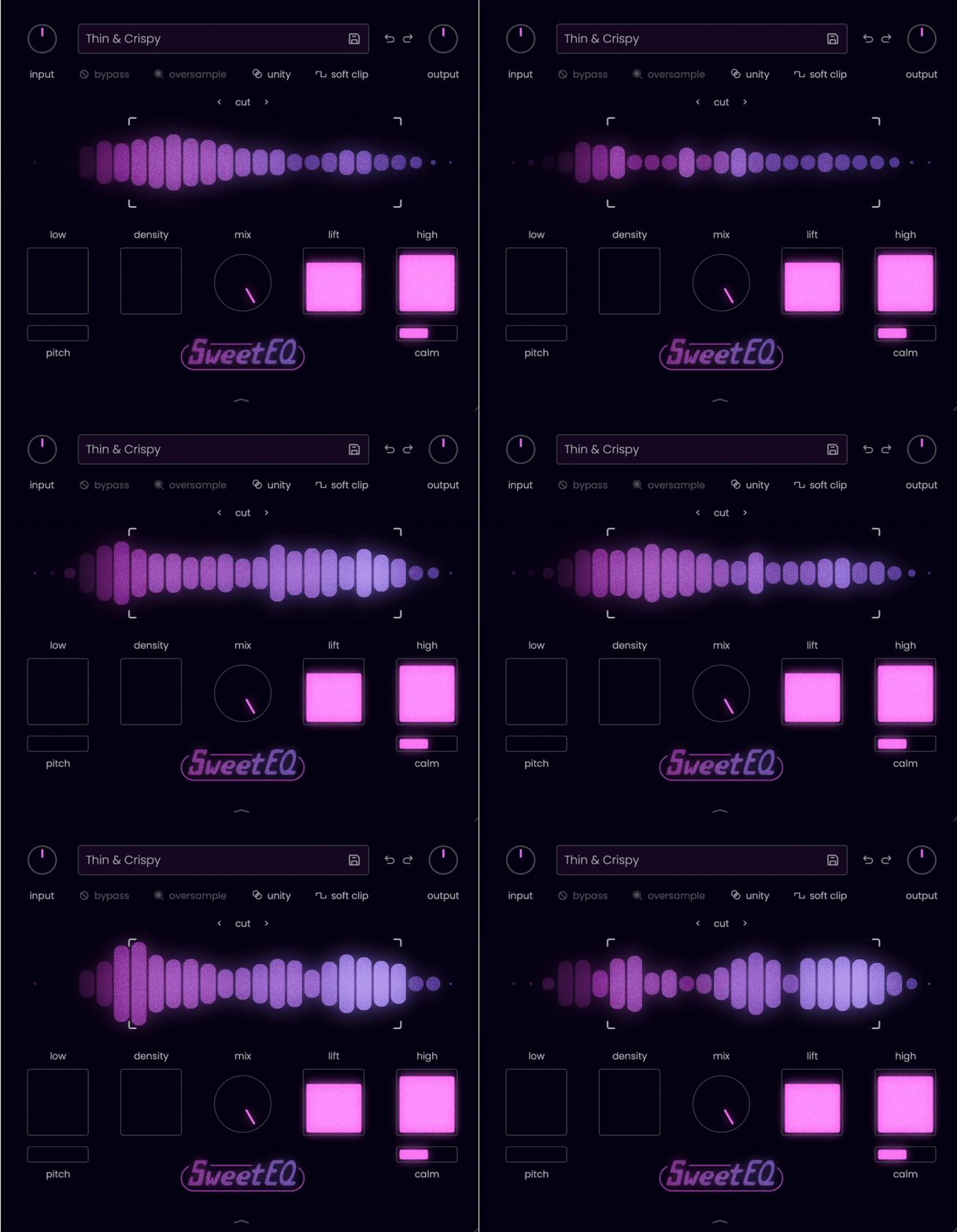
Musik Hack Sweet EQ looked almost too simple when I first opened it, but that simplicity is exactly where its appeal begins. Instead of behaving like a conventional EQ for cutting resonances or repairing difficult recordings, it combines broad tonal shaping, harmonic saturation, gentle dynamics, and parallel blending to make an already good sound feel fuller and more finished.
I found myself reaching for it most often when I wanted results quickly without building a longer processing chain. A small amount of Low, Density, Lift, or High was often enough to give bass more authority, bring vocals forward, or add extra polish to drums and the mix bus.
Sweet EQ is not meant to replace a surgical equalizer, and it becomes less convincing when the source is already harsh or poorly recorded. Its strength lies in enhancement rather than correction, so this review will focus on how naturally it adds weight, presence, and shine, as well as where its streamlined approach starts to feel limiting.
| Feature | What It Does |
| Low | Adds low-end weight and harmonic body while keeping the bottom end controlled. |
| Pitch | Adjusts where the Low processing is focused, helping the added weight suit different sources. |
| Density | Introduces harmonic richness, perceived loudness, and additional midrange presence. |
| Lift | Pushes the upper mids and lower highs forward with a combination of tonal enhancement and gentle dynamic control. |
| High | Adds brightness, air, and top-end excitement to vocals, drums, instruments, and full mixes. |
| Calm | Softens the edge of the High processing when the added brightness becomes too sharp. |
| Mix Control | Blends the processed and dry signals for built-in parallel processing. |
| Mid/Side Mixing | Expands the Mix control to provide separate processing levels for the Mid and Side channels. |
| High-Pass and Low-Pass Filters | Shapes the frequency range entering the enhancement processing and helps control unnecessary lows or excessive brightness. |
| Output Clipping | Provides selectable soft and hard clipping to control peaks when stronger settings increase the signal level. |
| Unity Gain | Helps compare processed and bypassed signals more fairly when the enhancement creates a noticeable level increase. |
| Oversampling | Improves processing quality when using heavier saturation and clipping settings. |
| Input and Output Gain | Controls the signal level entering and leaving the plugin. |
| Spectral Display | Gives a broad visual indication of the source and the energy being added by the processing. |
| Customizable Interface | Includes scalable sizing, preset and custom color themes, meter options, and adjustable visual thickness. |
| Preset Management | Provides preset browsing alongside undo, redo, and bypass controls for a faster workflow. |
Features
Sweet EQ is built around a small group of controls, but each one combines several processes behind the scenes. Rather than giving you precise frequency bands, it encourages broader decisions about weight, density, presence, and brightness, which makes the workflow feel closer to shaping tone than conventional equalization.
- Low and Pitch
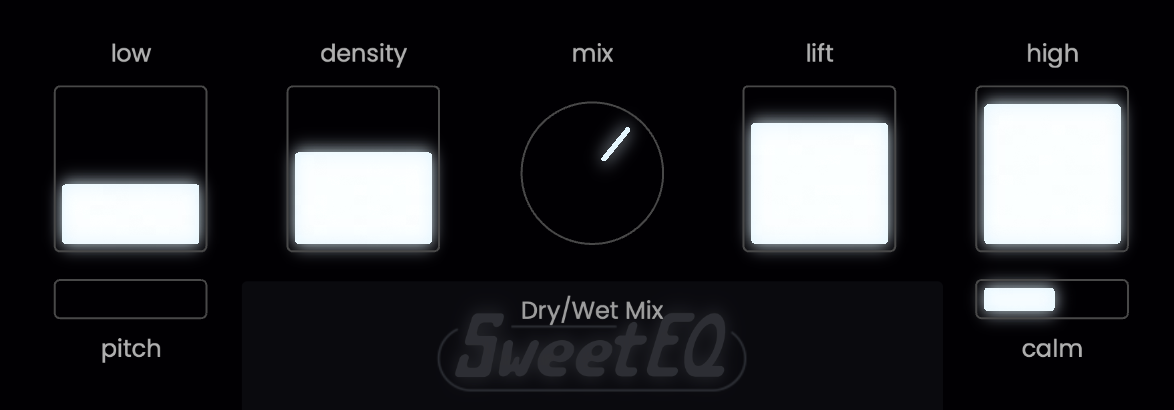
The Low control adds bottom-end weight through a combination of EQ and harmonic enhancement. I found it especially effective on bass, kick drums, and thin drum loops because it can make the low end feel more powerful without immediately becoming loose or muddy.
The smaller Pitch slider changes where that added energy is focused. My preferred method was to raise Low temporarily, tune Pitch until the enhancement sat naturally with the source, and then reduce the main control to a more restrained level.
- Density
Density is probably the most versatile control in the plugin. It adds harmonic thickness across a wider frequency range, helping vocals, drums, guitars, and bass feel more solid and present without relying entirely on level or compression.
I liked it most in small amounts, particularly on individual drum mics and bass layers. Once pushed too far, the midrange can become noticeably crowded, so this is one control where a few percent can make a surprisingly large difference.
- Lift
Lift brings the upper mids and lower highs forward while also creating a subtle sense of dynamic control. To my ears, it behaves somewhere between tonal enhancement, multiband compression, and gentle level lifting rather than sounding like a simple EQ boost.
It worked well when a vocal or snare needed to step forward in a busy mix, but it was also the easiest control to overcook. I usually kept it below the halfway point and checked the result at matched volume before deciding whether it was genuinely improving the source.
- High and Calm
The High control adds air, shine, and top-end excitement. I had the best results on vocals, cymbals, drum buses, and full mixes where the source already sounded balanced but needed a little more openness.
The accompanying Calm slider softens the harder edge of that enhancement. It becomes particularly useful when High adds the right amount of air but also brings too much bite or sibilance into focus.
- Mix and Mid/Side Control
The central Mix knob provides built-in parallel processing, which makes stronger settings much easier to use. I often exaggerated Low or Density first and then blended the effect back until the original transients and tonal balance returned.
Mix can also be expanded for separate Mid and Side control. That gives Sweet EQ more flexibility on stereo material, allowing the centre to remain controlled while adding extra brightness or density around the edges of the mix.
- Filters, Clipping, and Gain Matching
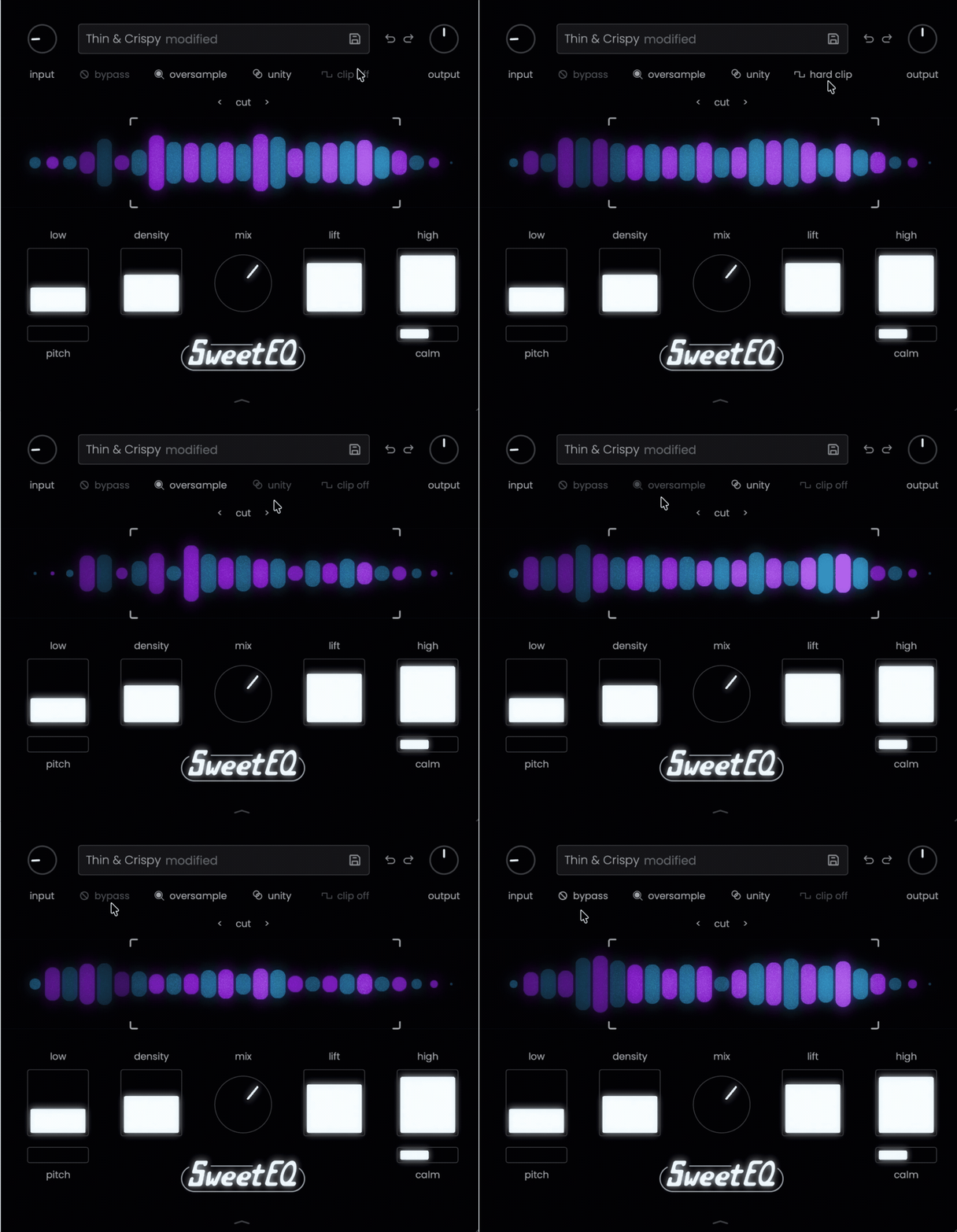
The spectral display contains draggable high-pass and low-pass filters, giving you a simple way to limit the range being enhanced. They are not surgical filters, but they are useful for preventing unnecessary sub energy or overly bright top end from dominating the processing.
Sweet EQ also includes soft and hard clipping, oversampling, and input and output gain controls. The unity-gain function is especially valuable because the plugin can add a significant amount of loudness, and without level matching it is easy to mistake louder for better.
- Presets and Interface Customization
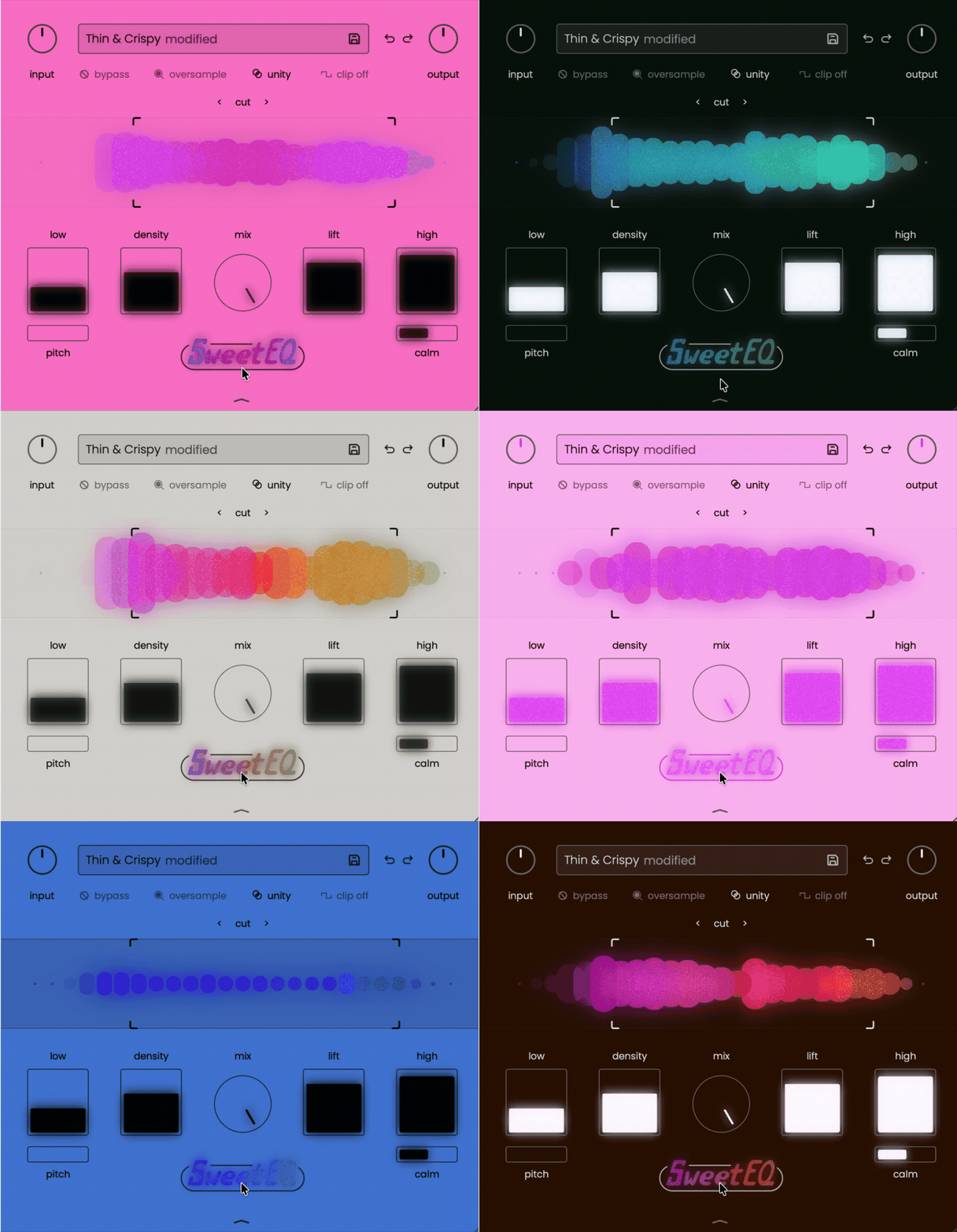
The scalable interface includes preset management, undo and redo, bypass, and several customization options. You can change the front and background colors, alter the visual thickness with the Fat control, and even click the Sweet EQ logo to generate a random theme.
These visual tools do not change the sound, but I enjoyed having them during longer sessions. Sweet EQ is designed to feel immediate and creative, and the ability to adjust its appearance fits that relaxed, less technical approach surprisingly well.
Interface and Workflow
Sweet EQ has a clean, scalable interface that feels approachable immediately. The main Low, Density, Lift, and High controls sit across the bottom, with the spectral display and filters above, so almost everything is visible without opening extra menus.
I usually started by pushing one control far enough to hear its character, then reducing it until the effect felt natural. This was especially useful with Pitch and Calm, which are easier to tune when the corresponding Low or High enhancement is temporarily exaggerated.
The central Mix knob became a key part of my workflow. I often created a stronger processed sound and blended it back in to preserve the original transients, while the optional Mid/Side split adds useful control when working with stereo buses or full mixes.
The display is intentionally broad rather than surgical, which suits the plugin well. Its draggable high-pass and low-pass filters are useful for narrowing the processing range, although they are subtle enough to miss at first.
Along the top, you get input and output gain, oversampling, presets, undo and redo, bypass, and soft or hard clipping. The unity-gain button is particularly helpful because Sweet EQ can increase perceived loudness quickly, making level-matched comparisons essential.
The interface can also be customized with different colors and visual thickness settings. Clicking the Sweet EQ logo randomizes the theme, which is a small but enjoyable touch during longer sessions.
First Impressions and Sound
After using Sweet EQ across bass, drums, vocals, guitars, and full mixes, I found that it works best when the source already sounds solid. It is not the plugin I would reach for to remove harshness or repair a poor recording, but it can make a balanced sound feel fuller, richer, and more finished within seconds.
The Low control was one of my favourites on bass and kick drums. It adds weight and power without immediately making the bottom end feel loose, while the Pitch slider helps focus that enhancement in the right area. My usual approach was to push Low higher than necessary, tune Pitch by ear, and then reduce the amount until the extra body felt natural.
On drums, combining a little Low with Density added body and excitement without requiring a separate saturation chain. I also liked it on mono room microphones and drum loops, where it could gently round the transients and increase the sense of average level.
Density worked especially well on bass, vocals, and duller instruments that needed more harmonic presence. Small adjustments often provided all the extra life I wanted, while heavier settings could make the midrange feel congested, so I usually treated it as a finishing control rather than a dramatic effect.
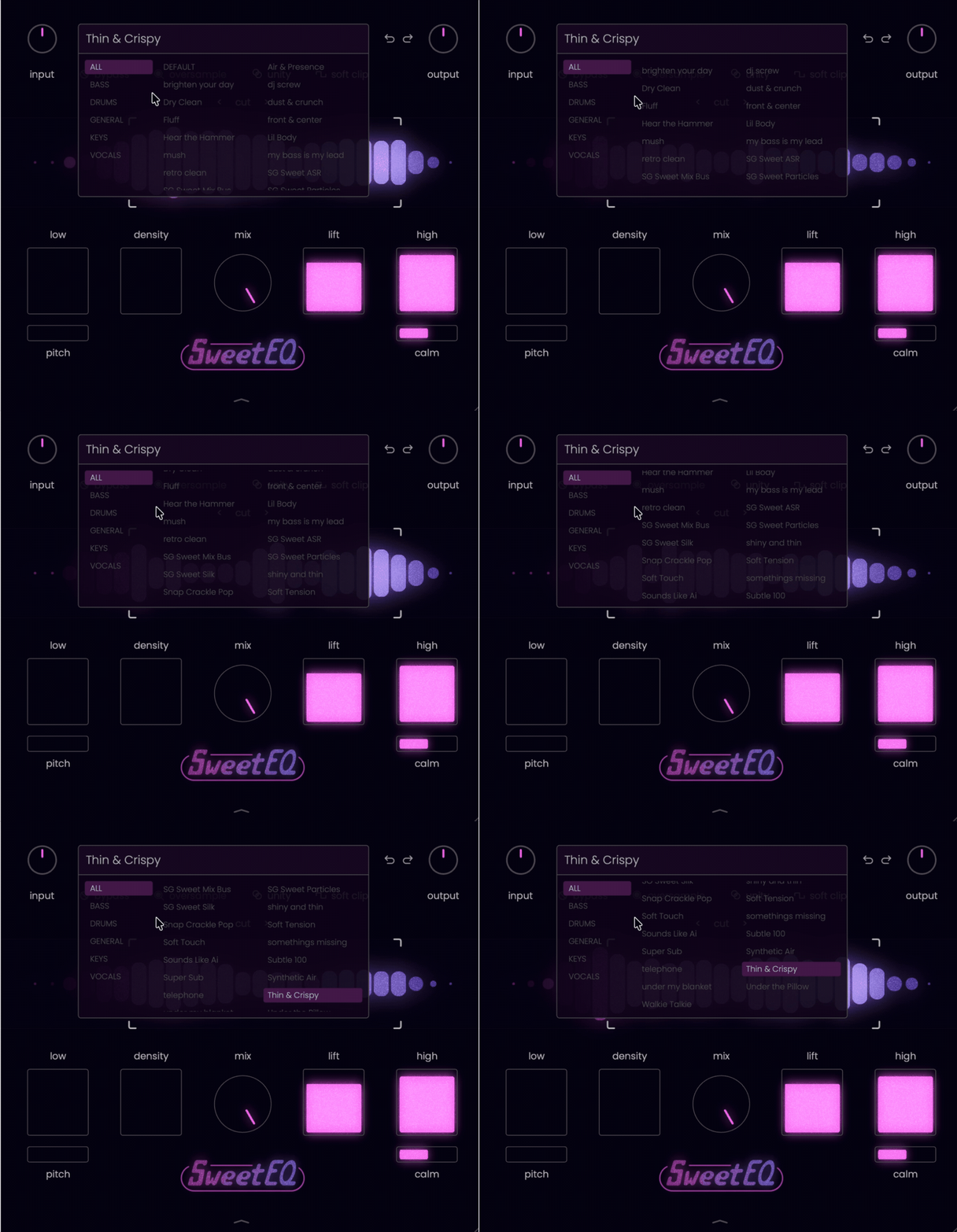
For vocals, the combination of Lift and High can add presence and air very quickly. The Calm control became particularly useful here because it allowed me to keep the added brightness while softening some of the sharper edge around sibilance and upper harmonics.
Sweet EQ was also surprisingly effective on the mix bus, but restraint mattered. A few percent of Lift, Density, or High could bring the vocal forward and add perceived energy, although stronger settings quickly made the mix feel hyped rather than polished. I found the best results came from using the Mix control for parallel blending and checking every decision at matched volume.
It was less successful on trumpets and already aggressive recordings. Since the main controls are designed to add energy and harmonics, Sweet EQ can push unpleasant frequencies even further forward. In those situations, I would normally use corrective EQ or dynamic processing first, then bring in Sweet EQ for the final enhancement.
Overall, Sweet EQ has a smooth, modern character rather than the obvious colour of a vintage hardware emulation. It can move from subtle sweetening to fairly heavy tonal reshaping, but its greatest strength is how quickly it helps good material sound more confident and polished without forcing me to think about exact frequencies or complicated routing.
Pros and Cons
Pros
- Fast, musical tone shaping that delivers useful results with very little adjustment.
- Combines EQ, saturation, gentle dynamics, and parallel processing in one focused plugin.
- Low and Density add convincing weight and harmonic richness to bass, drums, and guitars.
- Lift and High can bring vocals and full mixes forward without building a longer processing chain.
- The Mix control and Mid/Side options make stronger settings easier to blend naturally.
- Built-in soft and hard clipping, oversampling, filters, and unity-gain monitoring add practical control.
- Clean, scalable interface with unusually deep visual customization.
Cons
- Not designed for corrective EQ work or removing resonances and harsh frequencies.
- Can exaggerate brightness or aggression on already harsh sources.
- The broad controls provide less precision than a conventional parametric EQ.
- Lift and Density are easy to overuse, particularly on buses and full mixes.
- Added loudness can make processing sound better than it really is without careful level matching.
Compatibility
| Specification | Details |
| Plugin Formats | AU, VST3, AAX |
| macOS Support | macOS 10.15 or later |
| Windows Support | Windows 10 or later |
| Supported Hosts | Compatible AU, VST3, and AAX plugin hosts |
| Interface | Fully scalable with customizable color themes and display settings |
| Processing Options | Selectable oversampling, input and output gain, unity-gain monitoring, and soft or hard clipping |
| Stereo Processing | Separate Mid and Side Mix controls can be accessed from the main Mix section |
Sweet EQ should fit comfortably into most modern production and mixing setups, covering the three major native plugin formats. The scalable interface also remained clear at different sizes, which made it easy to use on both individual tracks and larger mastering sessions.
The oversampling and unity-gain options are particularly useful when pushing Density or the output clipper. Sweet EQ can add a surprising amount of loudness, so I recommend enabling level matching regularly to make sure the extra weight and brightness are genuinely improving the sound rather than simply making it louder.
Last Words
Musik Hack Sweet EQ is not a replacement for a surgical equalizer, and that is exactly why I enjoyed using it. Instead of asking me to hunt for frequencies, it gave me a fast way to add weight, density, presence, and air while keeping the workflow focused on listening rather than analysis.
I found it most convincing on bass, drums, vocals, and stereo buses, where small adjustments could make the source feel more energetic and complete. The combination of harmonic enhancement, gentle dynamic shaping, parallel blending, and output clipping often delivered the kind of polish that would normally require several separate plugins.
It still rewards restraint. Sweet EQ can exaggerate harshness or make a mix feel overly hyped when pushed too far, so I would treat it as a finishing tool for already solid material, not a repair processor.
For producers and engineers who value speed, character, and a modern workflow, Sweet EQ offers a genuinely useful alternative to traditional analogue-style enhancers. It is simple without feeling limited, and when used carefully, it can make good sounds feel noticeably more confident, polished, and exciting.

Berk is a multi-instrumentalist musician from Istanbul, Turkey. He has been playing guitar, handpan, and percussion for over ten years, developing a sound that blends melodic sensitivity with rhythmic depth.
He began his musical journey as a teenager, learning guitar and performing in several bands. In 2016, he discovered the handpan, an instrument that immediately resonated with him on a deeper level and gradually became central to his artistic identity.
Since then, he has performed in streets, festivals, bars, and concert venues across different countries, connecting with diverse audiences through both intimate and large-scale performances.
Alongside his live work, Berk is deeply involved in studio production. He works from his home studio, where he composes, records, and produces his own music. His studio serves as a creative space for layering handpan, guitar, and percussion with modern production techniques, allowing him to shape fully realized, atmospheric compositions from start to finish.
His music explores a wide range of genres and textures, combining organic acoustic instruments with detailed studio production to create immersive and expressive soundscapes.