
Arturia REV Ocean Review
Reverb plugins are everywhere, but Arturia Rev OCEAN caught my attention because it is not trying to recreate another familiar room, plate, or piece of vintage hardware. Its focus is movement, using an algorithmic delay-network engine and three distinctive Macro Modes to create tails that swell, drift, reverse, and evolve around the original sound.
The concept immediately makes more sense on ambient textures, guitars, pads, vocals, and cinematic material, where the reverb has enough space to become part of the arrangement rather than simply sitting behind it. Abyss, Tide, and Foam each approach that movement differently, while controls such as Ducking, Transients, Freeze, filtering, and Width keep the more dramatic effects surprisingly manageable.
What interests me most is how Arturia has packed that creative potential into a deliberately simple interface. Rev OCEAN is clearly not meant to replace a straightforward room or plate reverb, but when I want blooming, shifting spaces with real personality, its approach feels much more inspiring than another conventional reverb algorithm.
| Key Feature | What It Does |
| FDN Reverb Engine | Creates smooth, spacious reverb tails with multi-stage diffusion and continuous movement. |
| Abyss | Adds reverse textures and pitch-shifted layers for deep, evolving, shimmer-like tails. |
| Tide | Uses modulated filtering to create slow spectral movement and wave-like stereo drift. |
| Foam | Produces soft, blooming swells with a more diffused, gradual attack. |
| Macro Control | Sets how strongly the selected mode reshapes and animates the reverb tail. |
| Size, Decay & Brightness | Controls the overall scale, length, and tonal character of the reverb. |
| Freeze | Holds the tail indefinitely for pads, drones, transitions, and ambient textures. |
| Ducking & Transient Control | Keeps the dry signal clearer by reducing reverb buildup and smoothing sharp attacks. |
| Pre Delay & Input Filtering | Helps position the reverb around the source and control which frequencies feed the effect. |
| Stereo Width | Adjusts how narrow or expansive the wet signal feels. |
| Mix, Return & Mix Lock | Provides flexible wet/dry balancing and prevents preset changes from altering the chosen mix level. |
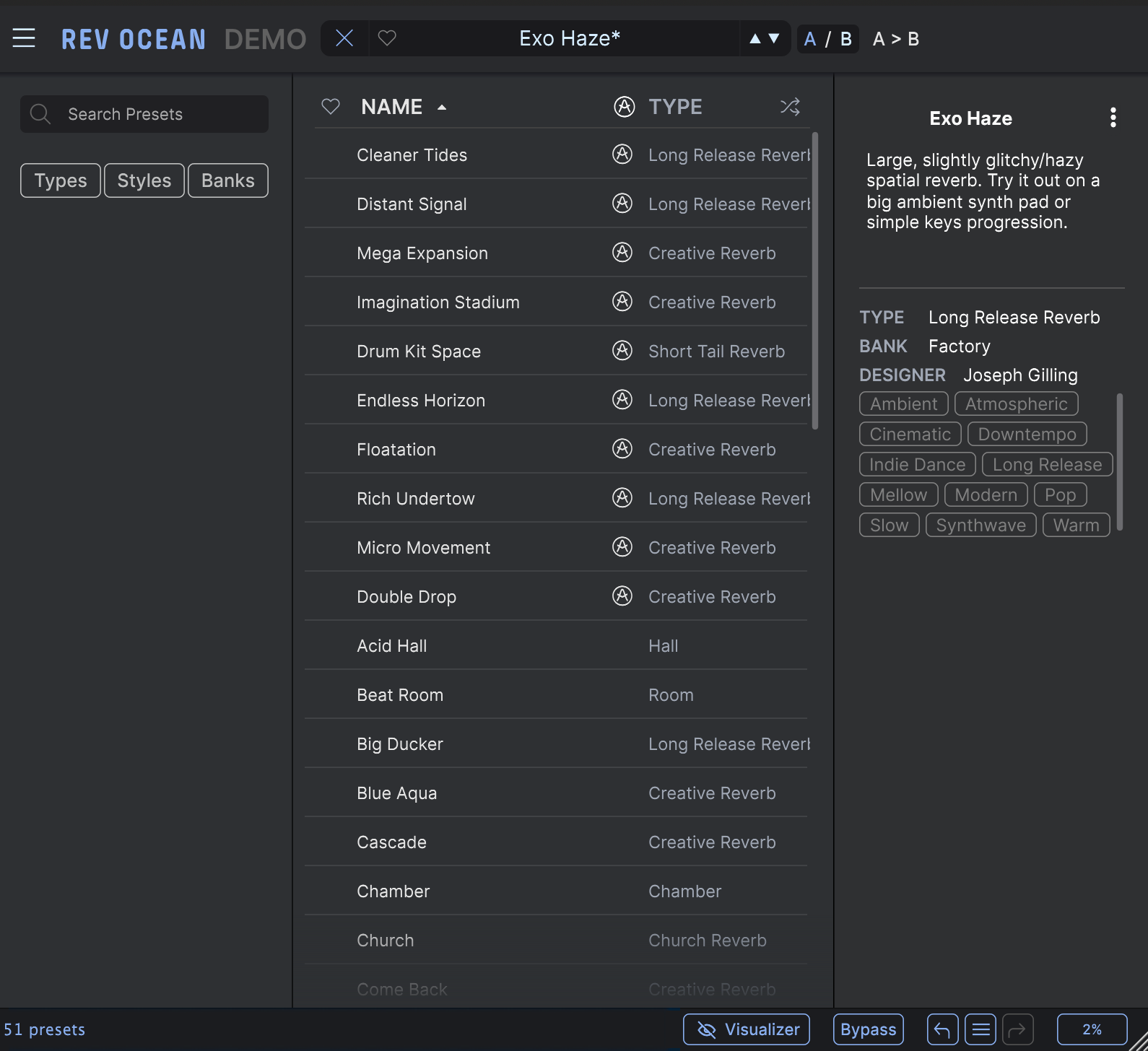
| Preset Browser & A/B Tools | Includes curated presets, undo/redo history, and A/B comparison for faster experimentation. |
Features
Rev OCEAN keeps the control set fairly small, but there is much more happening underneath than the interface initially suggests. The core reverb is built around a feedback delay network with multi-stage diffusion, while the three Macro Modes reshape the tail in very different ways.
- Abyss
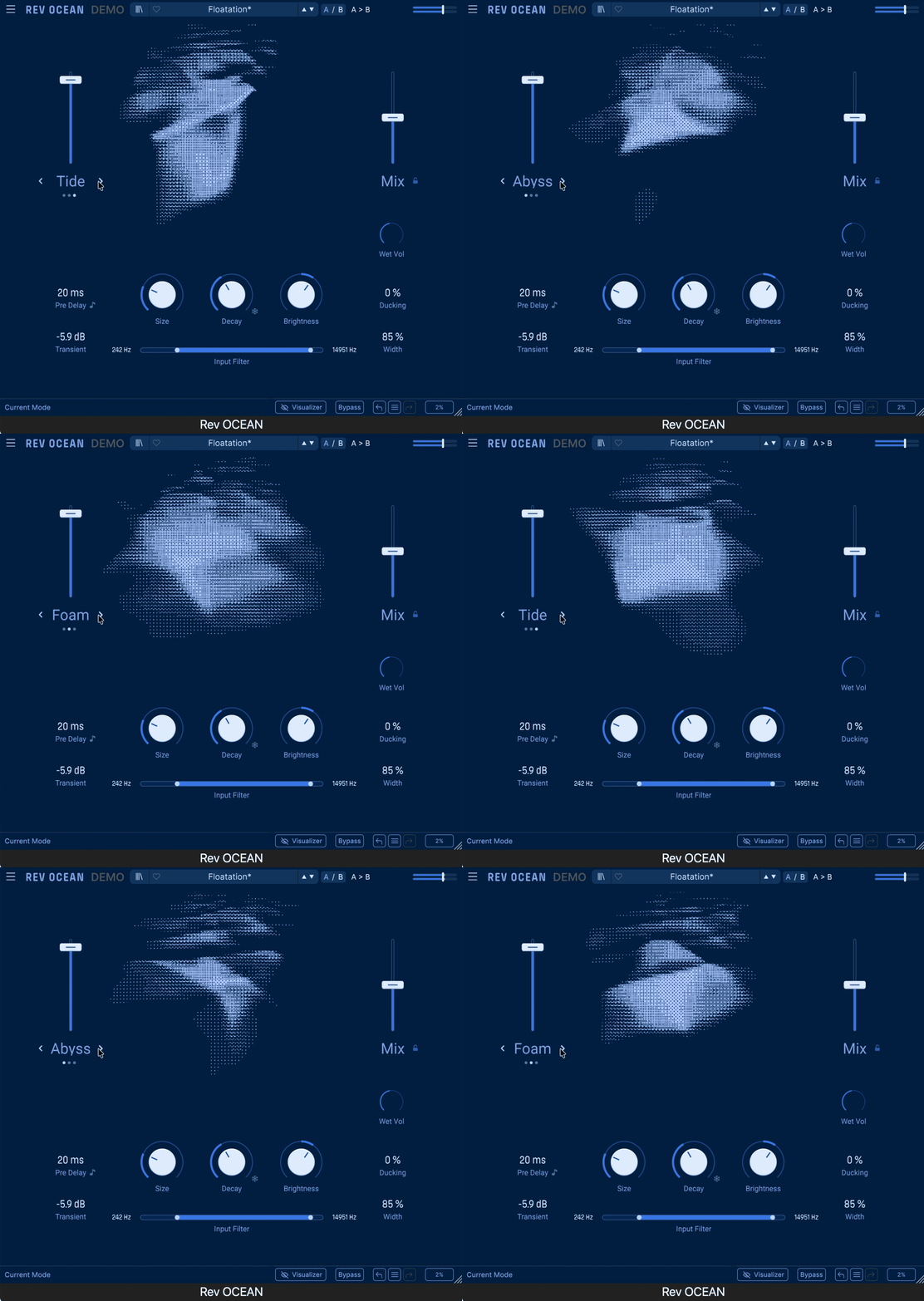
Abyss is easily the most dramatic mode. It layers reverse textures with pitch-shifted reflections, creating a tail that can move somewhere between shimmer reverb, reverse delay, and subtle granular processing.
I liked it most on sparse piano, guitars, and ambient material where the tail had enough room to evolve. Longer decay settings can introduce ghostly harmonic movement without completely overwhelming the original source.
- Tide
Tide takes a smoother approach, using modulated filtering to create gradual spectral movement inside the reverb. The result has a slightly phaser-like or flanger-like motion that works especially well on pads, sustained synths, and atmospheric guitars.
What I liked here is that the movement feels less obvious than Abyss. It can add subtle motion to a static sound without making the effect itself the main attraction.
- Foam
Foam creates softer, blooming tails that build after the original transient. It has a more diffused character, and with larger Size settings I could hear subtle echo-like movement developing inside the reverb.
This became one of my favourite modes for slower material because it can make individual notes seem to open up after they are played. On drums or sharper percussion, the Transient control becomes useful for keeping those reflections from becoming too obvious.
- Size, Decay and Brightness
The main Size, Decay, and Brightness controls behave exactly as you would expect, but Size and Decay interact more than I initially assumed. Reducing Size can shorten a long tail, while different Size settings can also noticeably change how the modulation develops.
I found this interaction useful because changing Size often produced a different texture rather than simply making the virtual space larger or smaller. Brightness then provides a quick way to push the tail darker or more open without reaching for another EQ.
- Transients and Ducking
The Transient control only affects the signal feeding the wet path, smoothing sharp attacks before they enter the reverb engine. I found this particularly useful on drums, picked guitars, and other transient-heavy material where the reflections could otherwise become too sharp.
Ducking solves a different problem by reducing the reverb while the dry source is active. On vocals and melodic instruments, this makes it much easier to use longer tails while still keeping the original performance clear.
- Freeze
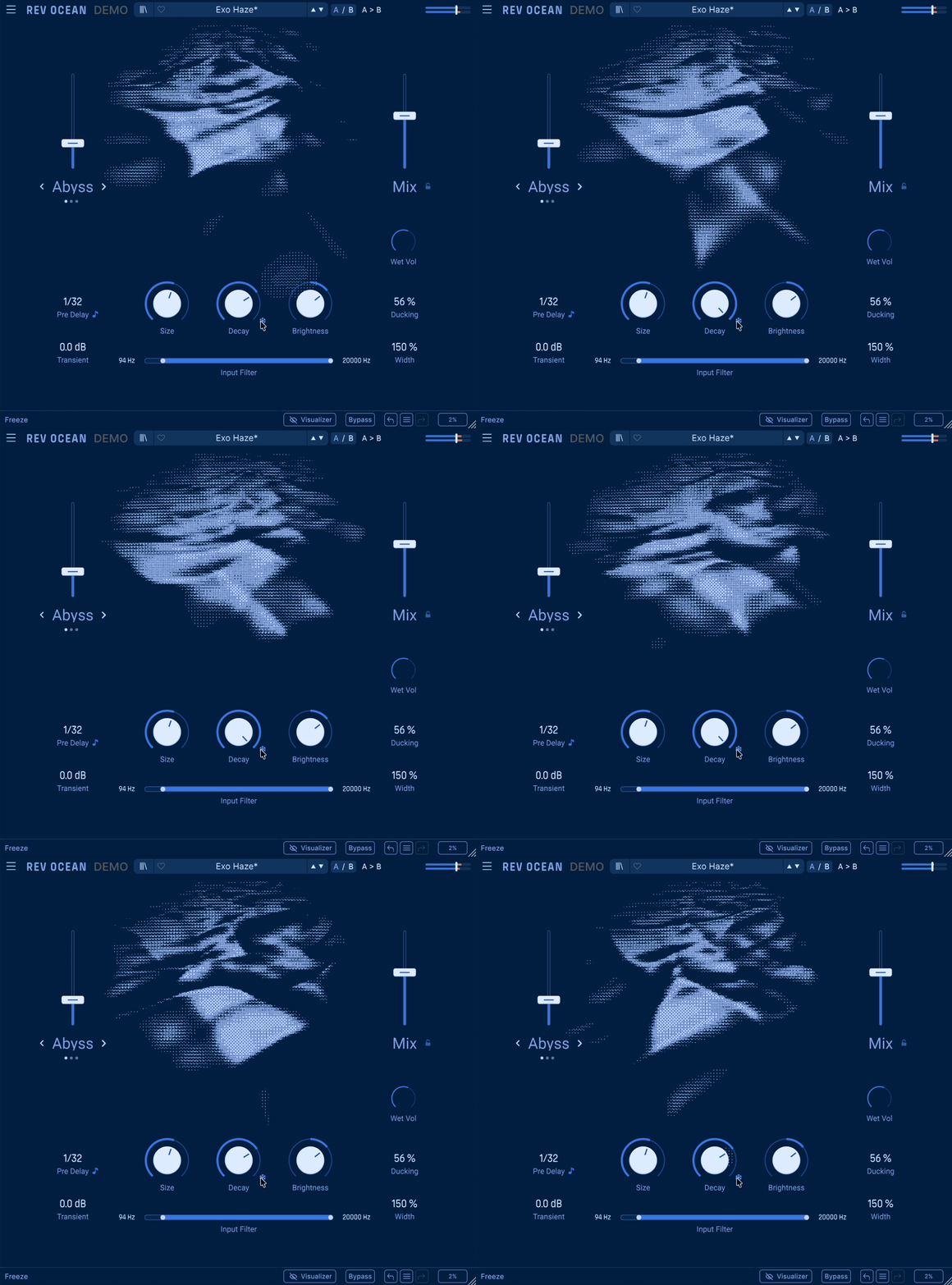
Pushing Decay to its maximum gives access to Freeze, which holds the current tail indefinitely while preventing new input from entering. The interesting part is that any modulation already happening inside the reverb continues, so the frozen sound does not necessarily become a static drone.
That makes Freeze especially useful for ambient beds, drones, and transitions. I only wish the button could operate momentarily as well as in latch mode, since that would make it much easier to perform spontaneous freeze effects.
- Filtering, Width and Mix Control
The built-in high-pass and low-pass filters shape the signal before it reaches the reverb, which is useful for preventing low-end buildup or excessive brightness. Stereo Width provides another simple way to control how expansive the wet signal feels.
The separate Mix and Return controls are also practical, particularly when Rev OCEAN is used as an insert rather than on an aux. I also appreciated Mix Lock, which keeps the wet/dry balance unchanged while browsing presets.
Interface and Workflow
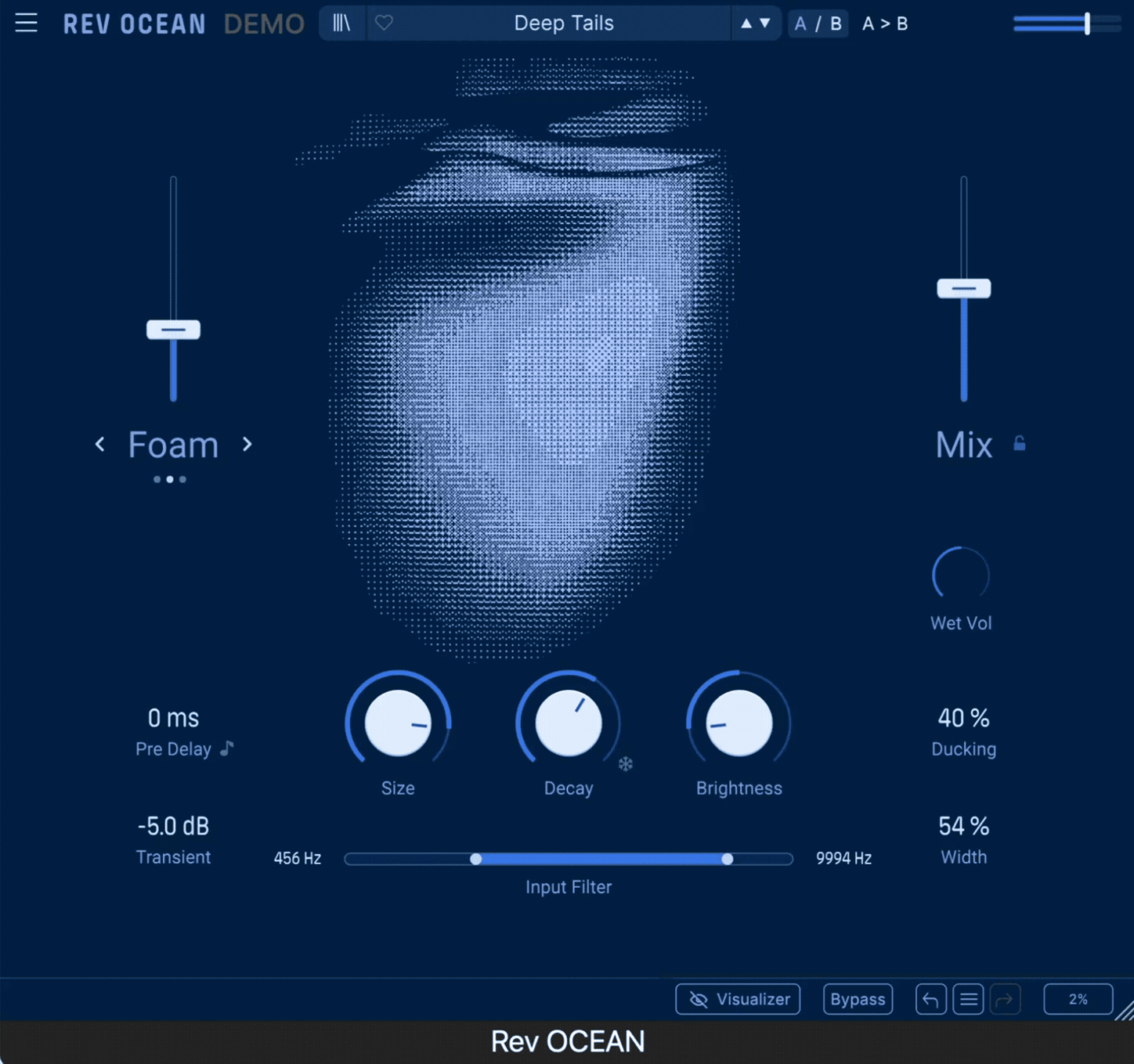
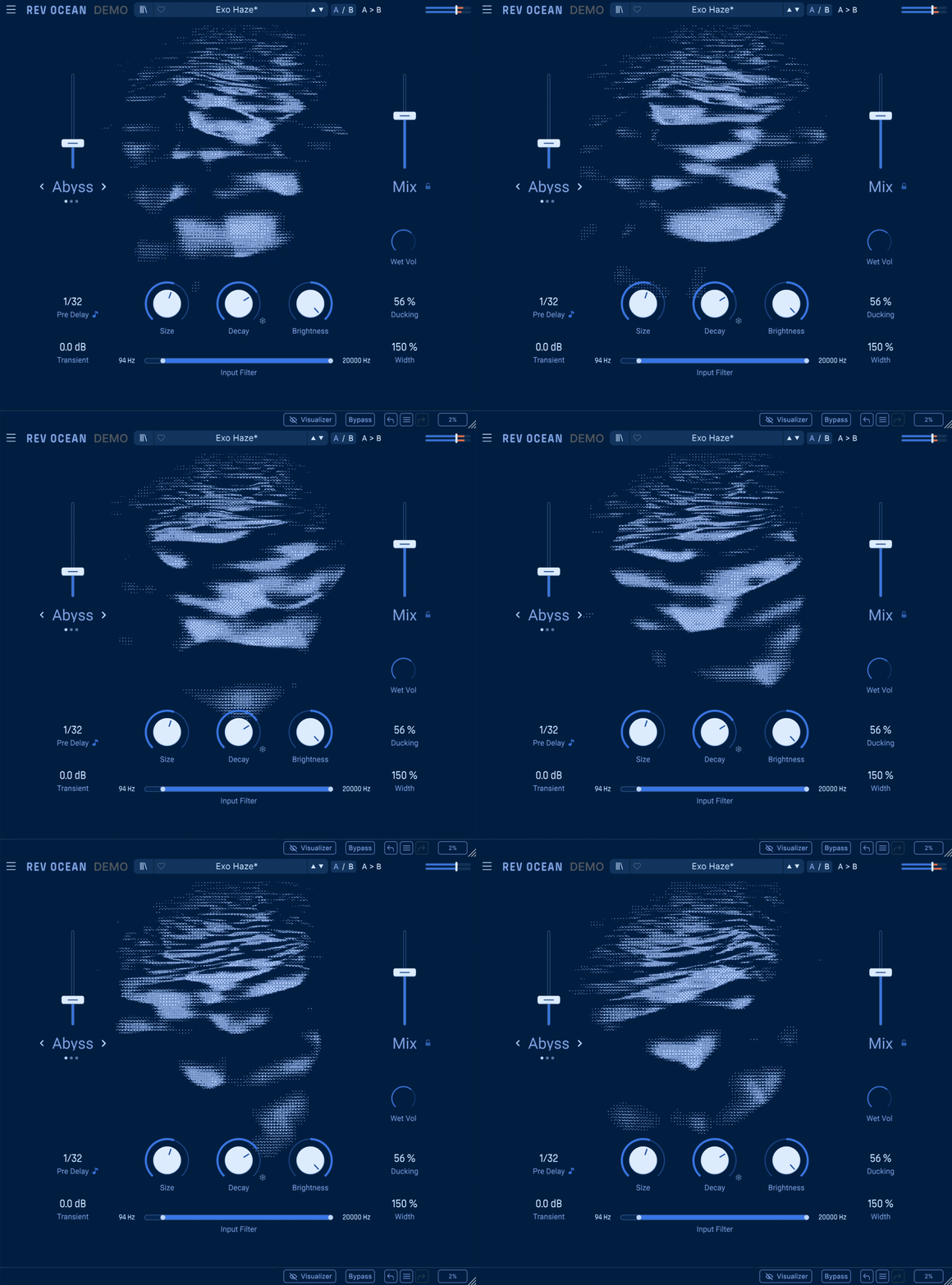
Rev OCEAN has one of those interfaces that makes sense almost immediately. The main Size, Decay, and Brightness controls sit beneath the central visualizer, with the Macro Mode amount on the left and Mix on the right, so the core workflow never feels crowded.
I found myself working mostly from the three main controls first, then choosing Abyss, Tide, or Foam depending on how much movement I wanted in the tail. From there, the smaller parameters like Pre Delay, Ducking, Transients, and Width were usually enough to fit the effect into the mix without opening another plugin.
The central ocean-style visualizer looks great and gives the interface some personality, although it reflects the current settings rather than reacting directly to the incoming audio. I did appreciate that it can be switched off, especially during longer sessions where I would rather keep the interface as simple as possible.
The input filter is also nicely integrated into the main display, with draggable high-pass and low-pass points for quickly shaping what enters the reverb. I only wish the central range could be dragged as a whole, since that would make narrowing the frequency window a little faster.
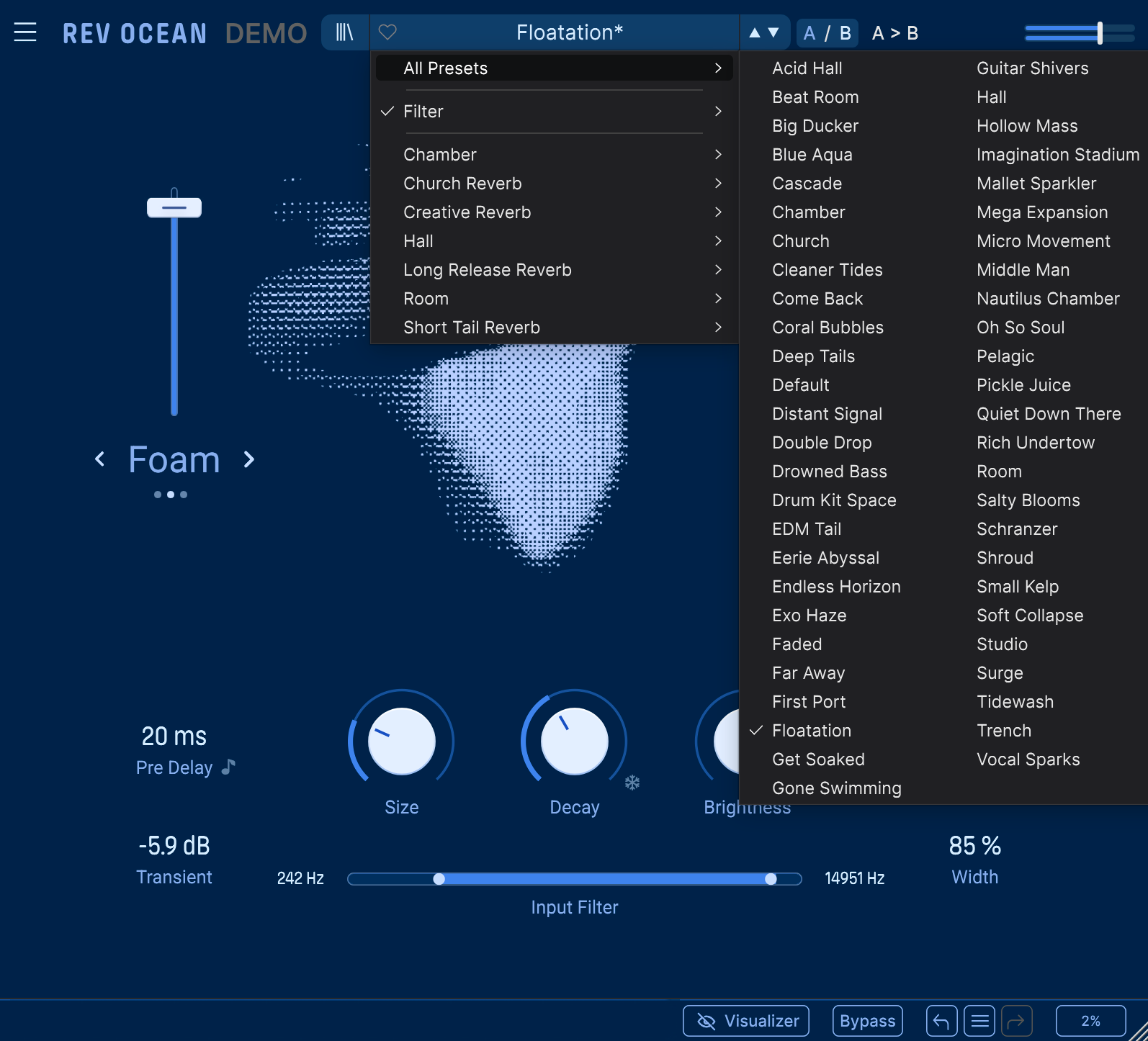
For more practical mixing, Mix Lock is one of the small features I ended up appreciating the most. It lets me browse presets without constantly losing my wet/dry balance, while A/B comparison and full undo/redo history make experimentation feel very safe.
Overall, the workflow feels intentionally fast. Rev OCEAN gives you enough control to shape complex, evolving spaces, but it rarely pulls you into the kind of parameter-heavy editing that can make creative reverbs feel like work.
First Impressions and Sound
What I liked almost immediately about Rev OCEAN is that it does not feel like another reverb built around familiar halls and plates. I tend to prefer reverbs that become part of the arrangement, and even restrained settings here have a sense of movement and gradual evolution that makes the tail feel alive.
Abyss was the mode that grabbed me first. On piano, clean guitar, and sparse synth parts, the reverse and pitch-shifted layers can create strange, almost vocal textures in the background. I preferred keeping the Macro amount fairly low and letting a longer decay do most of the work, which made the effect feel atmospheric rather than exaggerated.
For everyday use, though, Tide might actually be my favourite. Its slow filtering adds a gentle stereo drift that I could feel without always clearly hearing, which worked beautifully on pads and sustained guitars.
Foam made more sense once I used it on slower phrases with plenty of space. The way the tail blooms after the initial note can make a simple guitar chord or vocal line feel much larger, but it loses some of that character in dense arrangements.
I also found myself using Transient and Ducking more than expected. Smoothing sharp attacks before they reach the reverb helped picked instruments and drums sound cleaner, while Ducking let me use longer tails without burying the original performance.
The Freeze function is great for turning single notes into evolving pads, although I would have loved a momentary mode for more spontaneous performance effects. And if I simply need a compact room or neutral vocal plate, I would probably reach for something else.
For my taste, Rev OCEAN is strongest on ambient, cinematic, shoegaze, and spacious electronic material. Its real appeal is how easily it turns the reverb tail into a musical element without requiring a complicated effects chain.
Compatibility
| Specification | Details |
| Plugin Formats | VST, VST3, AU, AAX, NKS |
| Windows | Windows 10 or later, 64-bit |
| macOS | macOS 10.13 or later, 64-bit |
| Apple Silicon | Supported |
| RAM | 4 GB minimum |
| CPU | 4-core processor, 3.4 GHz recommended, or Apple M-series |
| Storage | Around 1 GB free space |
| GPU | OpenGL 2.0-compatible graphics |
| Windows ARM | Not supported |
| License / Installation | Managed through Arturia Software Center |
Rev OCEAN should fit easily into most modern Mac and Windows production setups, with support for all the major plugin formats and Apple Silicon systems. Installation and activation are handled through the Arturia Software Center, which also takes care of updates.
The hardware requirements are fairly modest for a modern creative reverb. The animated ocean visualizer can also be disabled, which is useful if you want to reduce unnecessary graphical activity in larger sessions.
Pros
- Distinctive evolving reverb tails that feel different from typical room, hall, or plate algorithms.
- Abyss, Tide, and Foam each have a genuinely different character rather than feeling like minor variations.
- Very easy to create ambient, cinematic, shoegaze, and textural effects without building a complex processing chain.
- Transient smoothing and Ducking make long reverbs much easier to fit around the dry signal.
- Freeze keeps modulation moving, which is excellent for drones and evolving pads.
- The simple interface delivers a surprising amount of variation from relatively few controls.
- Mix Lock, A/B comparison, and undo history are thoughtful workflow additions.
Cons
- Less suited to neutral rooms, conventional plates, or invisible mixing reverb.
- Freeze only works in latch mode, which limits its usefulness as a spontaneous performance effect.
- The animated visualizer looks attractive but does not react directly to the incoming audio.
- The input filter would be faster to use if both cutoff points could be moved together.
- Its strong personality means it will not be the right reverb for every source or production style.
Last Words
Arturia Rev OCEAN succeeds because it has a clear identity. Rather than trying to cover every traditional reverb type, it focuses on movement, evolving tails, and atmospheric space, and that makes it much more interesting to me than another general-purpose hall and plate collection.
I especially enjoyed how different Abyss, Tide, and Foam feel in practice. They can take a simple piano, guitar, vocal, or synth part and turn the reverb itself into part of the arrangement, while Ducking, Transient control, filtering, and Mix Lock keep the more dramatic settings surprisingly manageable.
It would not be my first choice for subtle rooms or transparent everyday ambience, and I still wish Freeze offered a momentary mode. But for ambient, cinematic, shoegaze, downtempo, and experimental production, Rev OCEAN offers a lot of personality without making you fight through a complicated interface.
For me, that balance is its strongest quality. It sounds creative without being difficult to use, and if you prefer reverbs that bloom, drift, and evolve rather than simply sit behind a sound, Rev OCEAN is well worth exploring.

Berk is a multi-instrumentalist musician from Istanbul, Turkey. He has been playing guitar, handpan, and percussion for over ten years, developing a sound that blends melodic sensitivity with rhythmic depth.
He began his musical journey as a teenager, learning guitar and performing in several bands. In 2016, he discovered the handpan, an instrument that immediately resonated with him on a deeper level and gradually became central to his artistic identity.
Since then, he has performed in streets, festivals, bars, and concert venues across different countries, connecting with diverse audiences through both intimate and large-scale performances.
Alongside his live work, Berk is deeply involved in studio production. He works from his home studio, where he composes, records, and produces his own music. His studio serves as a creative space for layering handpan, guitar, and percussion with modern production techniques, allowing him to shape fully realized, atmospheric compositions from start to finish.
His music explores a wide range of genres and textures, combining organic acoustic instruments with detailed studio production to create immersive and expressive soundscapes.