
Vocal editing can easily become one of the most time-consuming parts of a mix. NoiseWorks VoiceAssist is designed to automate much of that work by combining vocal leveling, breath and sibilance control, AI-powered cleanup, and dialogue processing into a single plugin.
Available in Basic, Standard, and Advanced editions, it builds on the company’s DynAssist plugin with new features like de-noise, de-reverb, frequency restoration, and spectral editing. In this review, I’ll take a closer look at its workflow, sound quality, and whether it can genuinely speed up vocal production without sacrificing natural results.
Get more info and prices on:
Best Service: Basic Standard Advanced
| Feature | Description |
| Three Editions | Available in Basic, Standard, and Advanced, allowing users to choose the level of processing they need. |
| Automatic Vocal Leveling | Offline AI analysis creates transparent LUFS-based volume automation instead of relying on heavy compression. |
| Content-Aware Voice Gate | Detects speech intelligently to reduce background noise between phrases without cutting off words unnaturally. |
| Breath & Sibilance Control | Automatically detects breaths and harsh consonants while keeping every edit fully adjustable. |
| AI De-Noise & De-Reverb | Removes unwanted background noise and room ambience directly inside the plugin. (Advanced) |
| Frequency Restoration | Restores clarity and high-frequency detail to dull or poorly recorded vocals. (Advanced) |
| Low-End Processing | Restores vocal body while reducing muddy resonances and rumble automatically. (Advanced) |
| Spectral Editing | Includes simple spectral editing for fine-tuning cleanup when automatic processing isn’t enough. (Advanced) |
| ARA & Offline Workflow | Supports ARA, transfer mode, AudioSuite (Pro Tools), standalone operation, and editable offline processing depending on the edition. |
| Manual Editing Tools | Every detected breath, sibilant, gate region, and automation point can be edited manually for greater control. |
Features
VoiceAssist is built around one goal: reducing the time spent on vocal editing before the creative mixing process begins. Instead of offering flashy effects, it combines several AI-assisted tools that clean up and prepare vocals in a single workflow.
- Automatic Vocal Leveling
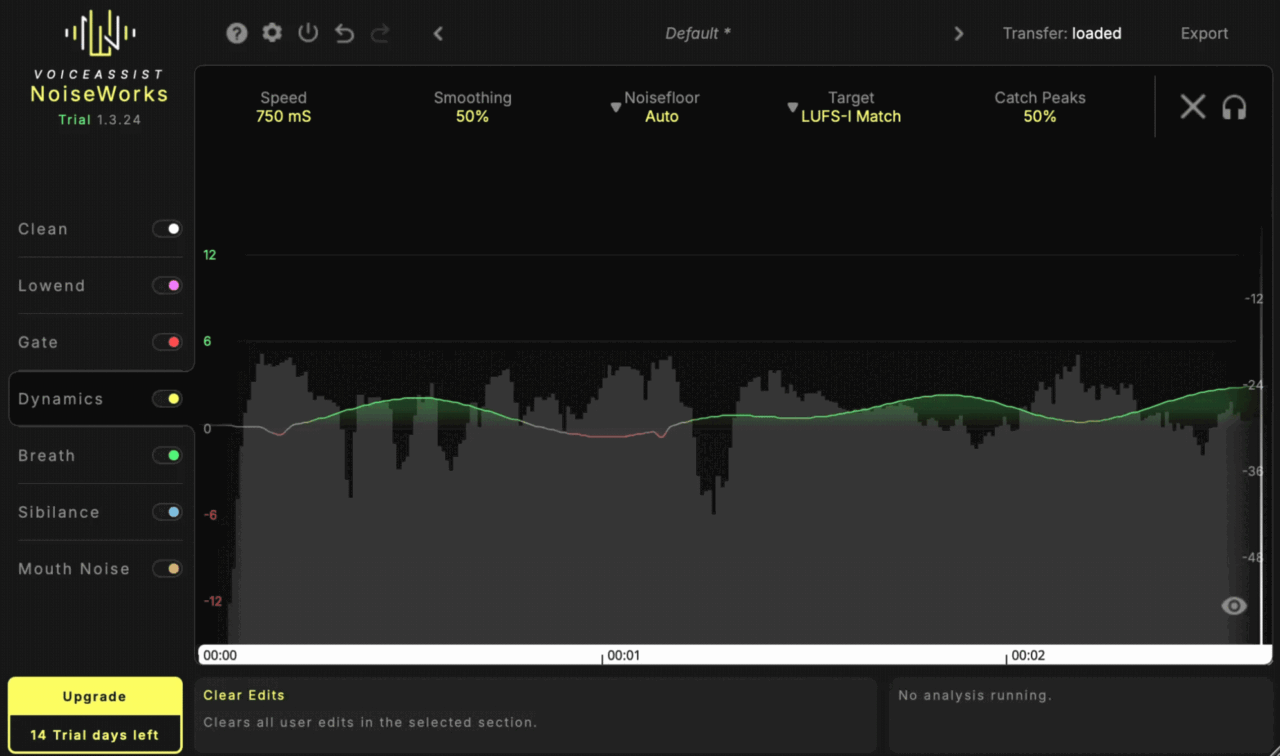
At the heart of VoiceAssist is its offline vocal leveling engine, which analyzes the entire recording before writing smooth volume automation. I like that it focuses on transparent level riding rather than simply compressing everything into place.
- Content-Aware Gate
The Content-Aware Gate intelligently detects where speech begins and ends, reducing unwanted noise between phrases without chopping off words. If you prefer, you can also switch to a traditional threshold-based gate for more manual control.
- Breath & Sibilance Detection
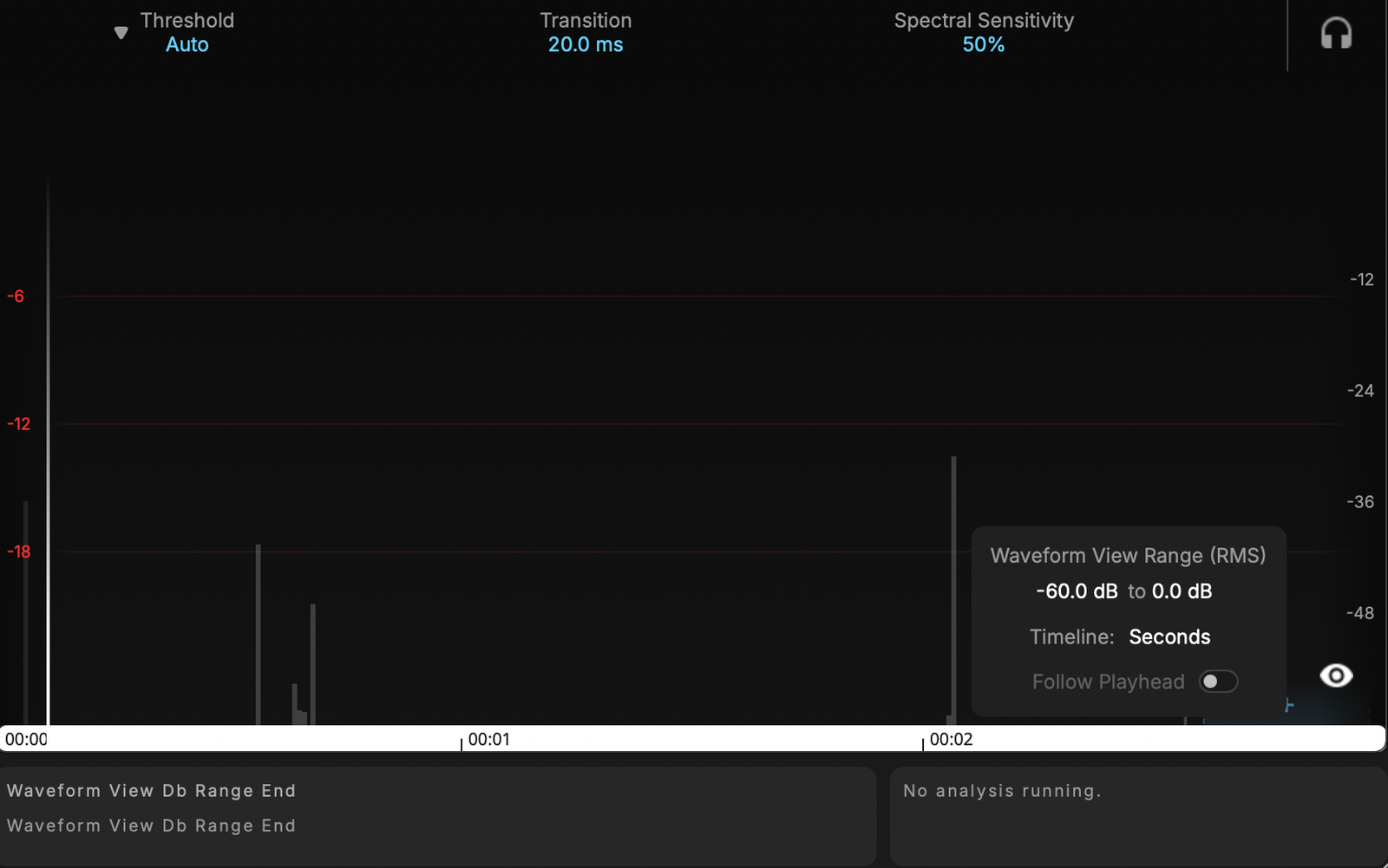
VoiceAssist automatically identifies breaths and harsh sibilance, then lets you reduce them while keeping every detected region fully editable. I especially like that you can fine-tune or even redraw the detected areas instead of accepting automatic processing as-is.
- AI Cleanup (De-Noise, De-Reverb & Frequency Restoration)
The Advanced edition introduces AI-powered de-noise, de-reverb, and frequency restoration for improving less-than-perfect recordings. These tools are aimed at removing distractions while bringing back clarity without requiring multiple separate plugins.
- Low-End Processing
VoiceAssist also includes dedicated low-end restoration and resonance reduction. It can recover missing body while automatically reducing muddy resonances and rumble, helping vocals sit more naturally in a mix.
- Spectral Editing & Manual Controls
Although much of the processing is automated, you’re never locked into the results. Spectral editing, editable automation, and manual region adjustments make it easy to refine every correction if needed.
- ARA Integration & Workflow Features
VoiceAssist supports ARA, allowing edits to happen directly inside compatible DAWs without constantly transferring audio. It also works as a standard VST3, AU, and AAX plugin, with AudioSuite support for Pro Tools and a standalone application in the Advanced edition.
- Different Versions
VoiceAssist comes in Basic, Standard, and Advanced versions. Basic focuses on automatic vocal leveling, Standard adds gating, breath and sibilance control, while Advanced includes the full cleanup toolkit with de-noise, de-reverb, frequency restoration, spectral editing, low-end processing, and standalone operation.
Interface and Workflow
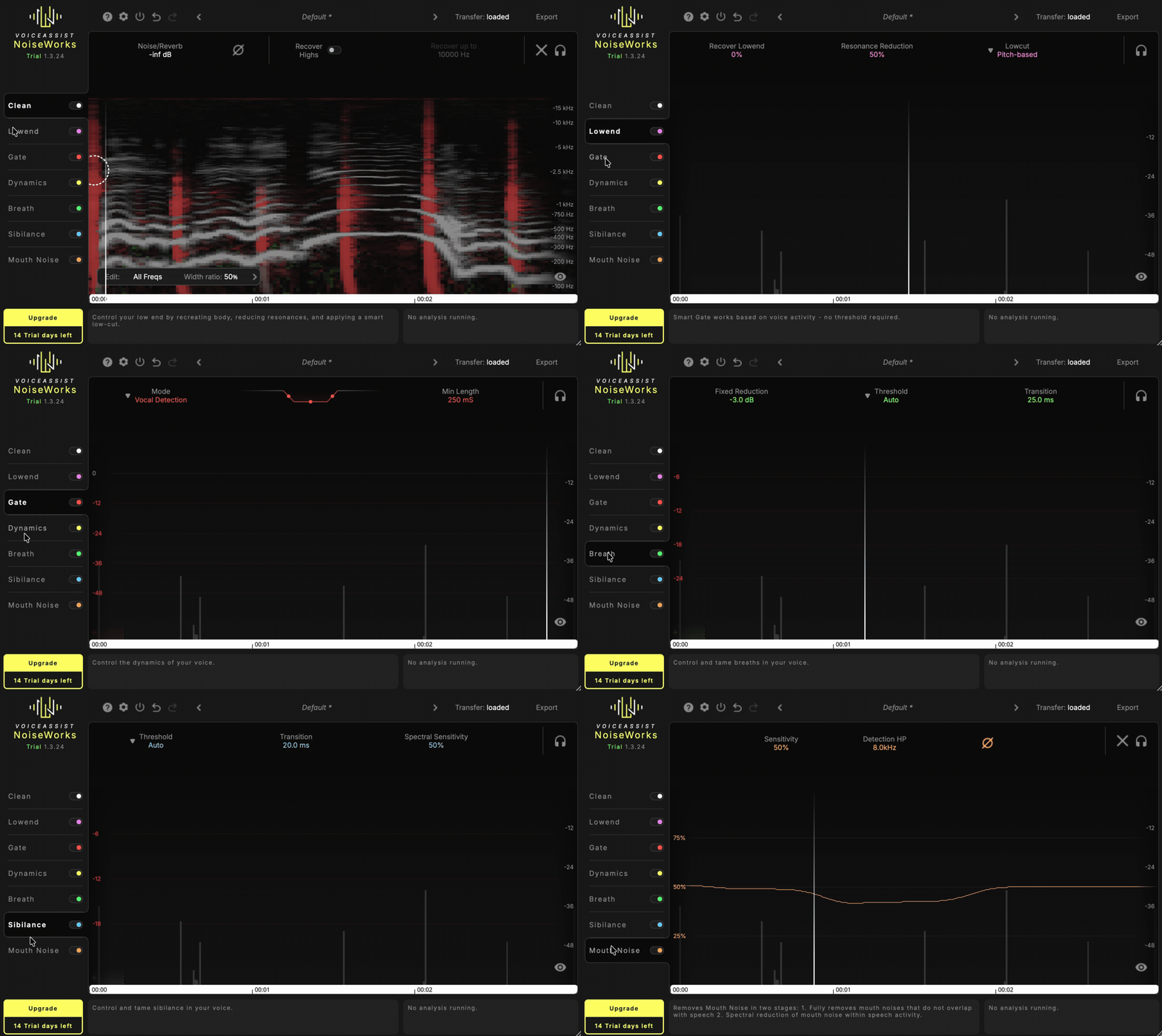
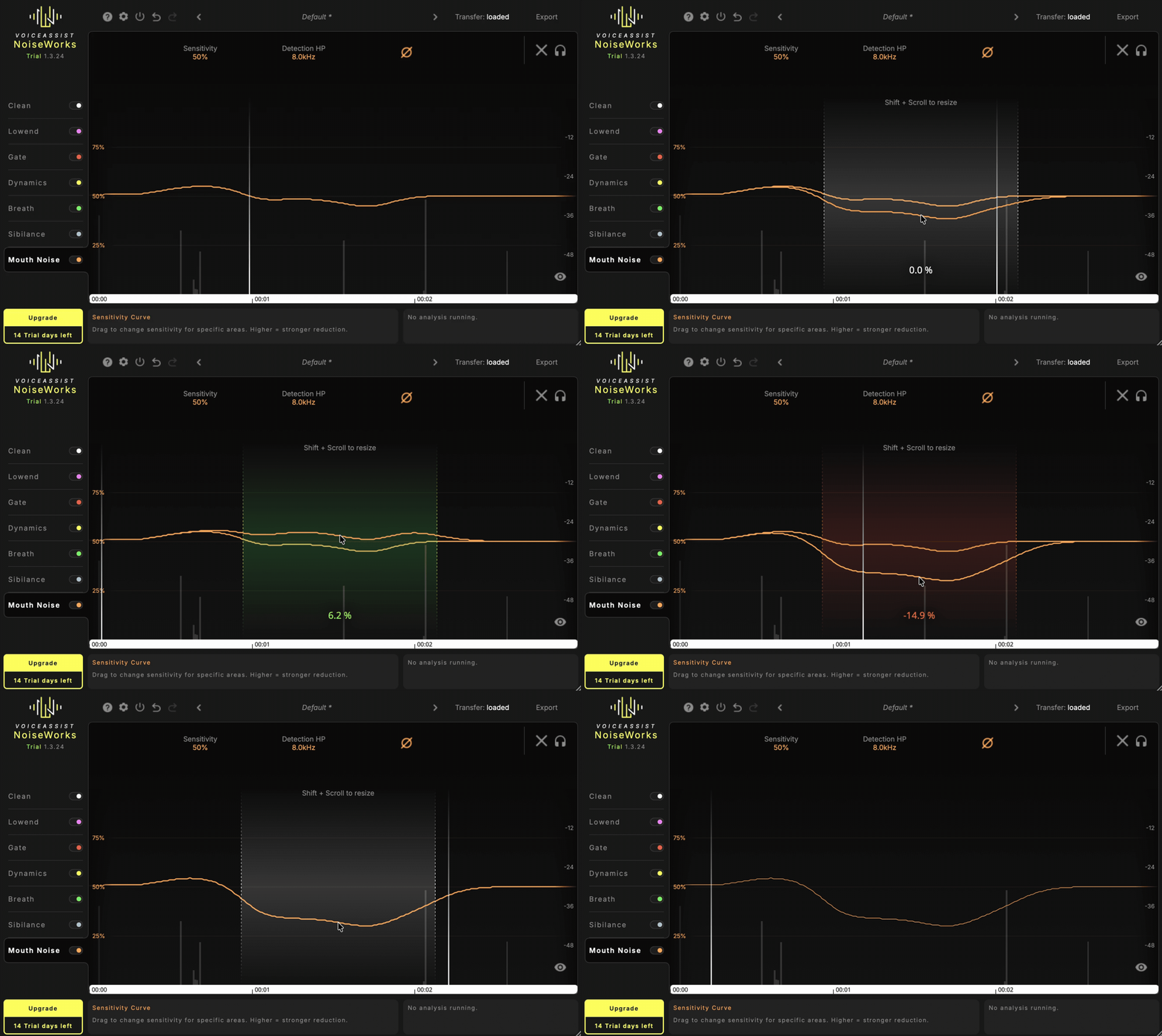
VoiceAssist has a clean, modern interface that feels more polished than the older DynAssist plugin. I like how each processing module has its own dedicated section, while the waveform display clearly shows where breaths, sibilance, gating, and other edits are being applied, making it easy to understand what the plugin is doing.
One thing that stood out to me is that the interface never feels overloaded despite the number of features available. You only see the modules included in your edition, so the workspace stays focused instead of filling the screen with controls you can’t use.
- Interface
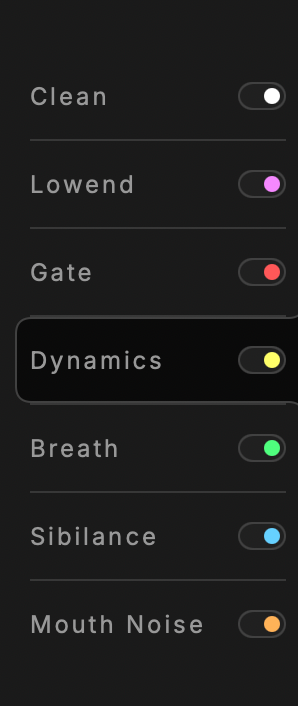
The layout is organized around individual processing modules such as Dynamics, Gate, Breath, Sibilance, Clean, and Low-End. Selecting a module instantly brings up its controls, while color-coded overlays on the waveform make every edit easy to identify and review.
I also like that VoiceAssist doesn’t hide everything behind AI. Every detected breath, gate, or sibilant region remains editable, so you can quickly adjust or remove corrections if the automatic processing isn’t exactly what you want. It strikes a nice balance between automation and manual control.
The refreshed interface also feels faster to navigate than DynAssist. Small workflow improvements like clearer module organization and better visual feedback make it easier to stay focused on the recording instead of hunting through menus.
- Workflow
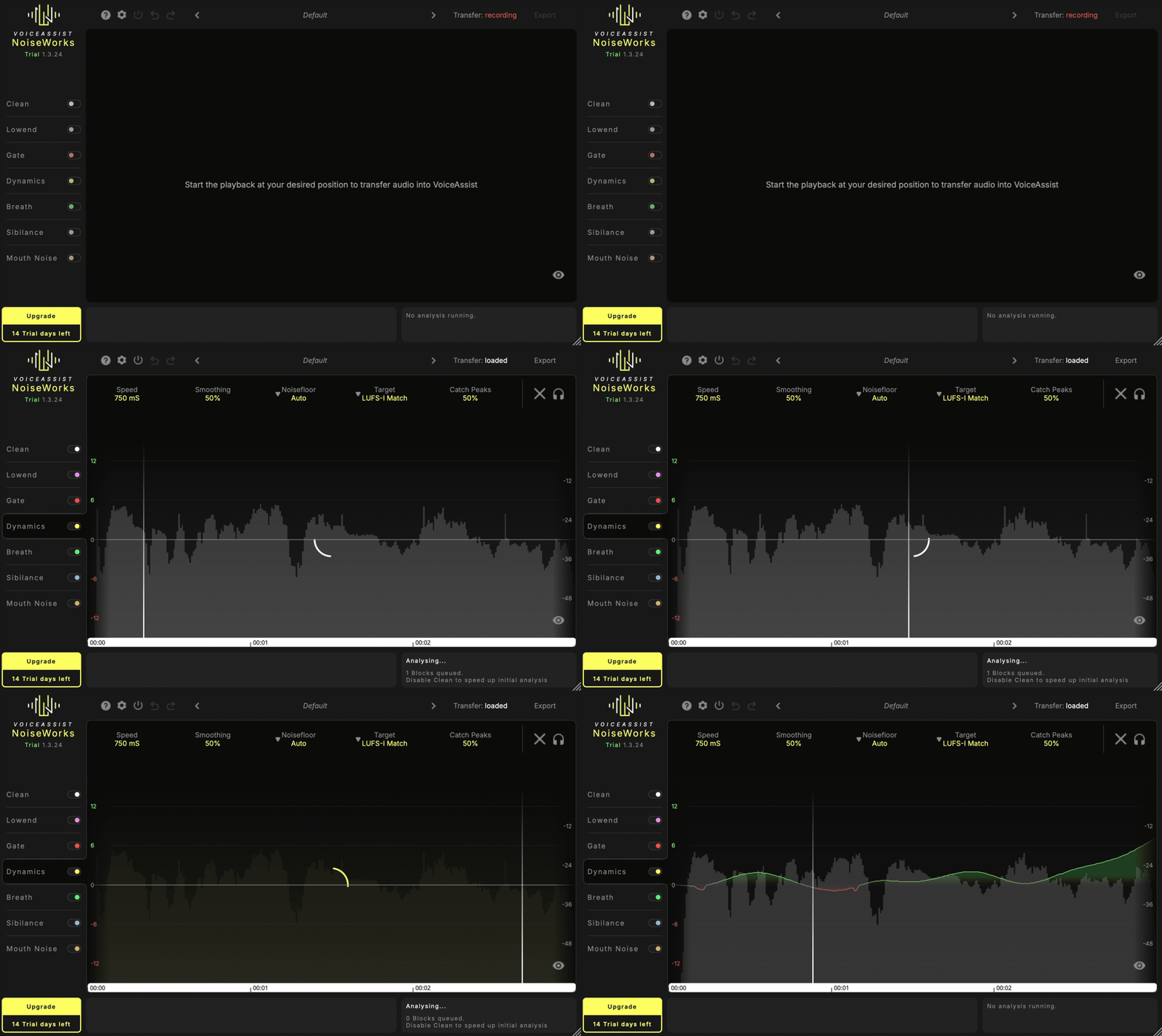
What makes VoiceAssist different is that everything starts with an offline analysis. The plugin scans the recording first, then applies vocal leveling, gating, breath control, de-essing, and cleanup based on the complete performance rather than processing everything in real time.
I found this approach surprisingly natural because all of the modules work together instead of fighting each other. Rather than stacking several separate plugins and adjusting their order, you can prepare the vocal inside a single window and then move on to the creative part of mixing.
If your DAW supports ARA, the workflow becomes even smoother since you can edit directly on the timeline without constantly transferring audio. For anyone working with lots of vocals or dialogue, I can easily see this becoming a regular part of the editing process before the rest of the mix even begins.
First Impressions and Sound
After spending time with VoiceAssist Advanced, I came away genuinely impressed. I’ve used plenty of vocal cleanup tools over the years, but I rarely find one that combines leveling, de-noising, de-reverb, breath control, de-essing, and spectral editing into a single workflow without making the process feel complicated.
What stood out to me most was how transparent the processing sounds. The automatic level riding feels much more natural than simply relying on compression, and the AI cleanup removes a great amount of background noise and room ambience while keeping the vocal sounding believable. If you push the processing to the extreme, you can eventually hear artifacts, but with moderate settings I found the results pretty clean.
I also appreciated that the plugin doesn’t feel like a “black box.” The AI gives you an excellent starting point, but every detection remains editable, so I could fine-tune breaths, sibilance, automation, or spectral edits whenever something needed a little extra attention. That flexibility made me trust the plugin much more than tools that hide everything behind a single button.
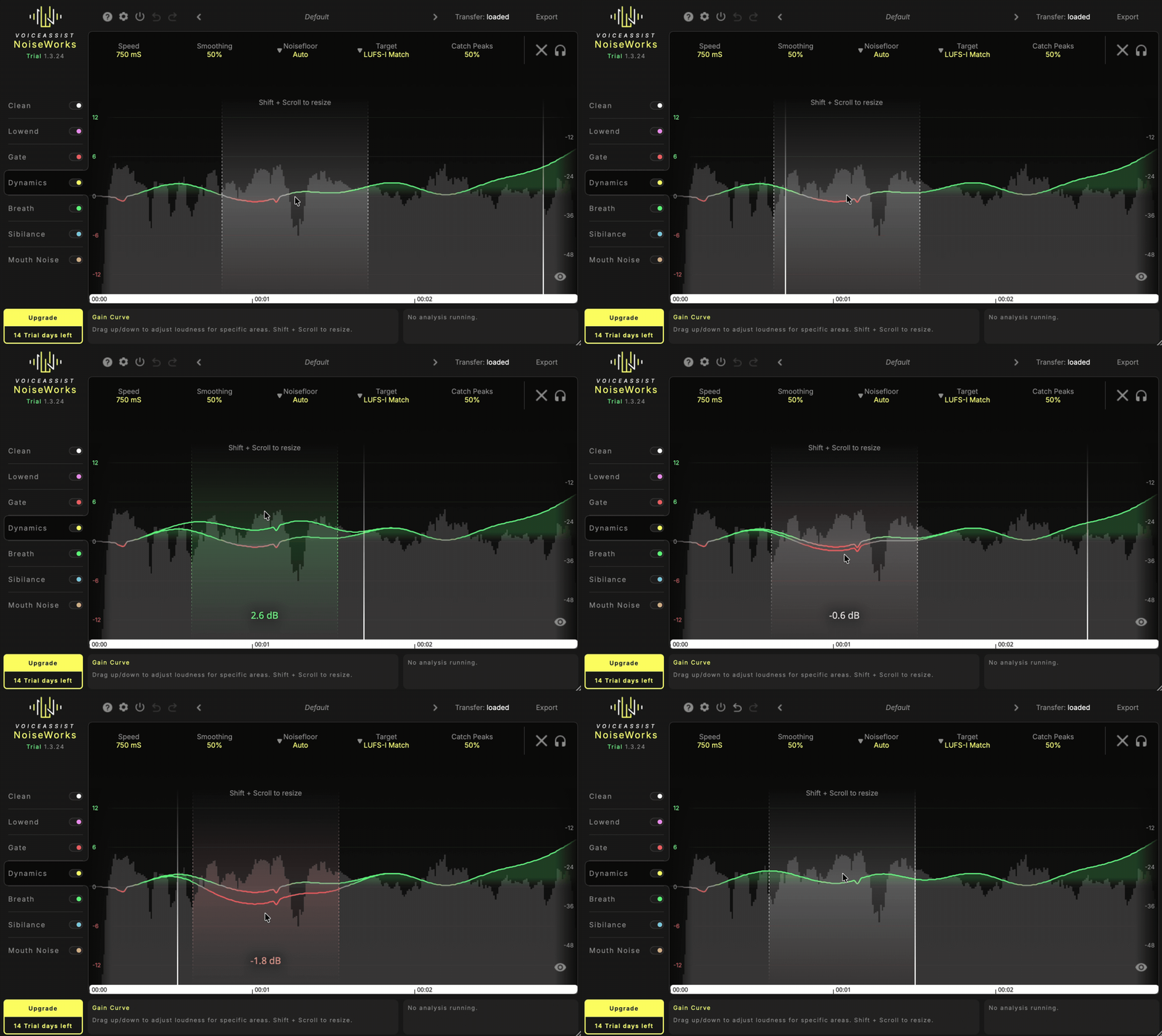
One tip I’d recommend is starting conservatively. I got the best results by using gentle cleanup first and then increasing the intensity only where necessary. The same applies to the automatic leveling; slower settings usually sounded the most transparent, while faster settings worked better on inconsistent dialogue or podcasts.
For music production, I found it especially useful on home-recorded vocals, live performances, podcasts, voice-overs, and rough demos where cleanup normally eats up a lot of editing time. Instead of spending an hour manually fixing breaths, balancing levels, and removing background noise, I could get a polished starting point in just a few minutes and move on to the creative side of the mix.
Pros
- Great automatic vocal leveling with natural, transparent results.
- Outstanding AI de-noise and de-reverb processing.
- Breath and sibilance detection save a huge amount of editing time.
- Every detection remains fully editable.
- Excellent ARA integration for a fast workflow.
- Available in three editions for different budgets and needs.
- Modern, intuitive interface that’s easy to learn.
Cons
- The best AI cleanup features are exclusive to the Advanced edition.
- Windows users need a dedicated GPU for some Advanced features and Breath Detection.
- Offline processing makes it less suitable for live, real-time mixing scenarios.
Compatibility
| Specification | Details |
| Formats | VST3, AU, AAX, AudioSuite (Advanced) |
| Operating Systems | Windows 10 or later, macOS 13 or later |
| Supported DAWs | Logic Pro, FL Studio (Transfer Mode), Cubase, Studio One, REAPER, Pro Tools, Samplitude, Sequoia, and other compatible VST3/AU/AAX hosts |
| ARA Support | Yes (supported DAWs) |
| Standalone Version | Yes (Advanced edition only) |
| CPU Performance | Excellent, thanks to offline processing rather than continuous real-time analysis |
| Additional Requirements | Windows users need a dedicated NVIDIA or AMD GPU (minimum 4 GB VRAM) for some AI-powered features in the Standard and Advanced editions |
I tested VoiceAssist in both Logic Pro and FL Studio, and it performed flawlessly in both environments. Logic Pro offers the best experience thanks to ARA integration, while FL Studio’s Transfer Mode is straightforward and only takes a few moments to analyze the audio before editing.
I also didn’t encounter any CPU spikes, crashes, or stability issues during testing. Since most of the heavy processing happens offline, VoiceAssist remains lightweight during playback, making it easy to use even in larger projects with multiple vocal tracks.
Last Words
NoiseWorks VoiceAssist feels like a natural evolution of DynAssist, expanding from an intelligent vocal leveler into a complete vocal and dialogue preparation suite. Instead of replacing your favorite EQs, compressors, or creative effects, it takes care of the repetitive cleanup work so you can spend more time making mix decisions.
After using it, I can easily see why so many engineers have added it to their workflow. The automatic leveling, AI cleanup, and editable processing strike an excellent balance between speed and control, and the results are consistently transparent. If you regularly work with vocals, podcasts, voice-overs, or dialogue, VoiceAssist is one of the most practical time-saving plugins I’ve used recently.
PS: You can download the 14-day free trial from the official NoiseWorks Audio website to check if this vocal assist plugin is your cup of tea or not!

Berk is a multi-instrumentalist musician from Istanbul, Turkey. He has been playing guitar, handpan, and percussion for over ten years, developing a sound that blends melodic sensitivity with rhythmic depth.
He began his musical journey as a teenager, learning guitar and performing in several bands. In 2016, he discovered the handpan, an instrument that immediately resonated with him on a deeper level and gradually became central to his artistic identity.
Since then, he has performed in streets, festivals, bars, and concert venues across different countries, connecting with diverse audiences through both intimate and large-scale performances.
Alongside his live work, Berk is deeply involved in studio production. He works from his home studio, where he composes, records, and produces his own music. His studio serves as a creative space for layering handpan, guitar, and percussion with modern production techniques, allowing him to shape fully realized, atmospheric compositions from start to finish.
His music explores a wide range of genres and textures, combining organic acoustic instruments with detailed studio production to create immersive and expressive soundscapes.